
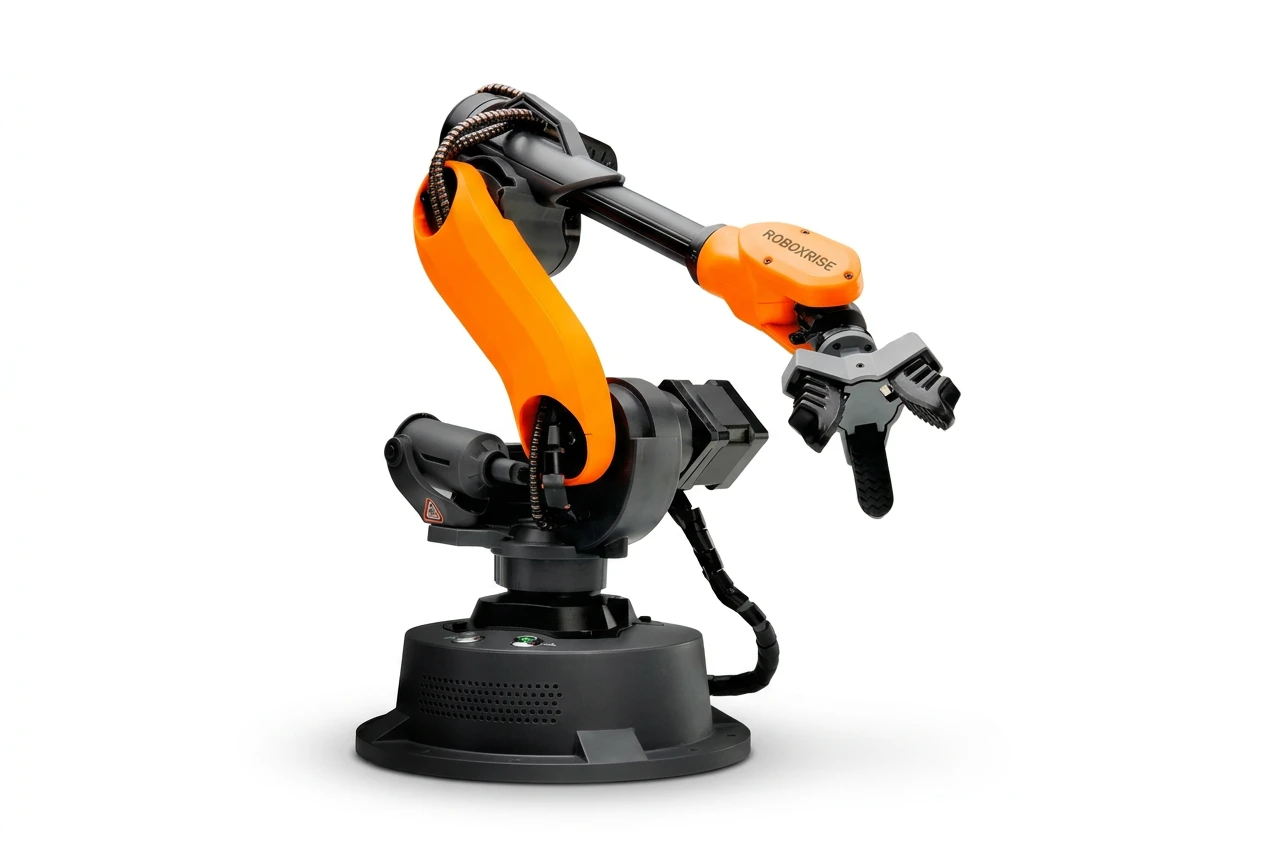
Mirobot Education Kit
6-axis desktop industrial robot for teaching and research
What is it?
Mirobot is a six-axis desktop robot built on the same kinematic structure as an industrial robot, scaled down to 1:10. Students program it exactly the way an engineer programs a factory robot — coordinate frames, motion commands, trajectories, I/O — but on a lab bench, from a normal power socket, without a full industrial robot cell.
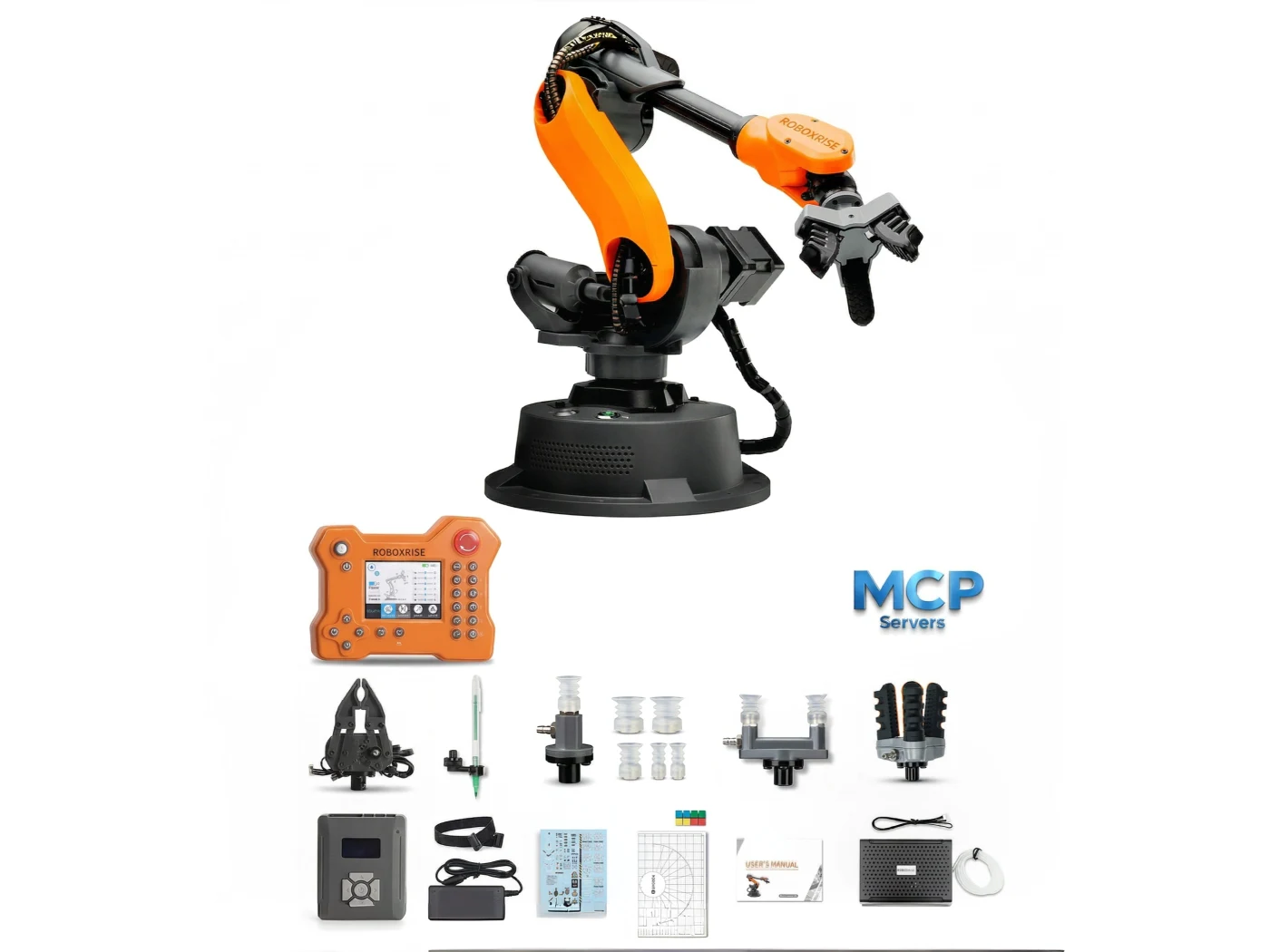
The Education Kit is the entry configuration: the arm, a full pneumatic tool set (suction cup, two-finger and three-finger soft grippers), a servo gripper, pen holder and the official programming textbook. It is ready for a first robotics lab and grows with you — add AI vision, a conveyor or a sliding rail later without replacing the robot.
Who is it for?
Departments and programme levels this system is designed for.
- Mechanical
- Mechatronics
- Robotics & Automation
- Electrical & Electronics
- ECE
- CSE
- AI & Data Science
- Production & Industrial
What can students learn?
Learning outcomes covered by the curriculum.
- Robot coordinate systems and frames
- DH parameters, forward and inverse kinematics
- Motion commands and trajectory planning
- Teach-and-play and graphical (Blockly) programming
- Python, C++ and G-code programming via open API
- ROS simulation — URDF, RViz, MoveIt! and Gazebo
- MATLAB robot simulation
- Pick-and-place, palletising and material handling
- Pneumatic and soft-gripper end-effectors
- Robot I/O, sensors and RS485 communication
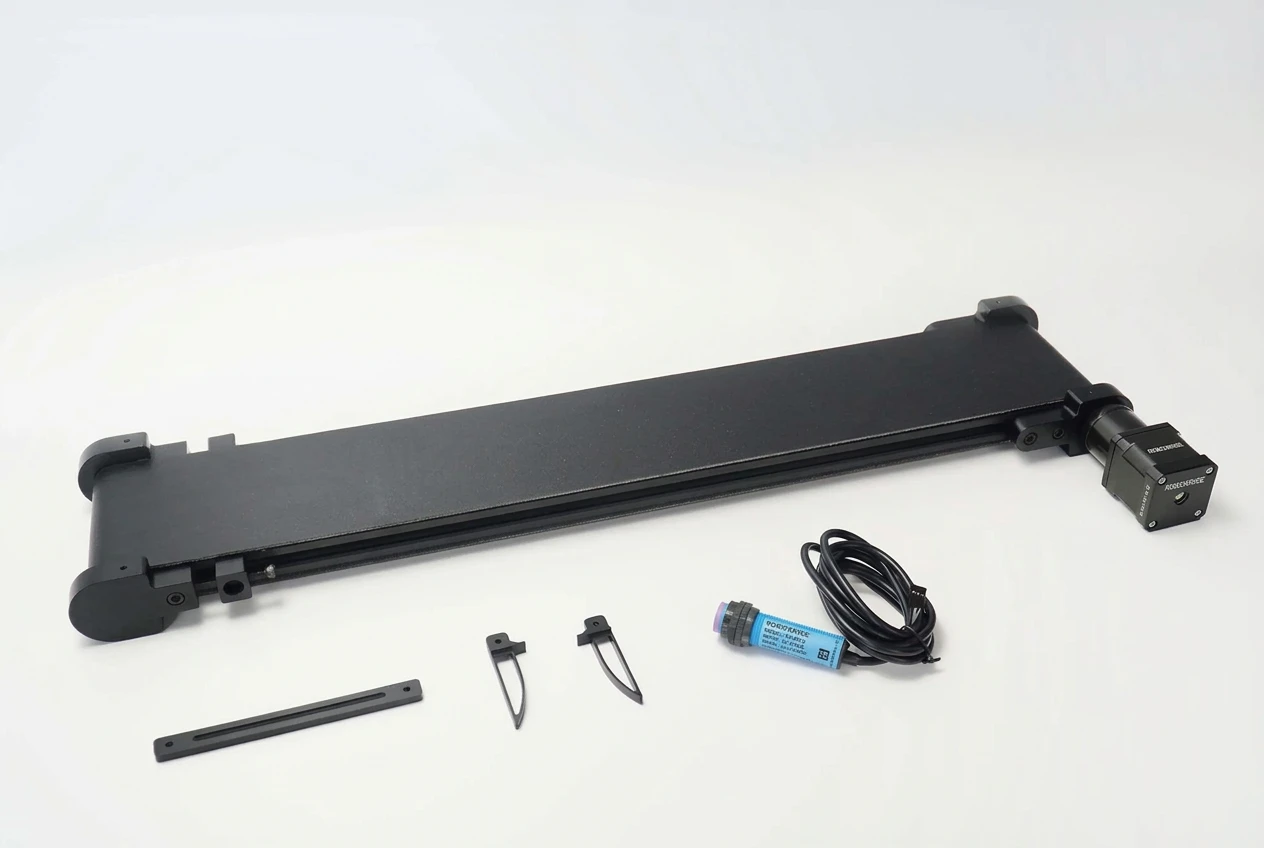
- Conveyor integration and sorting (with add-on)
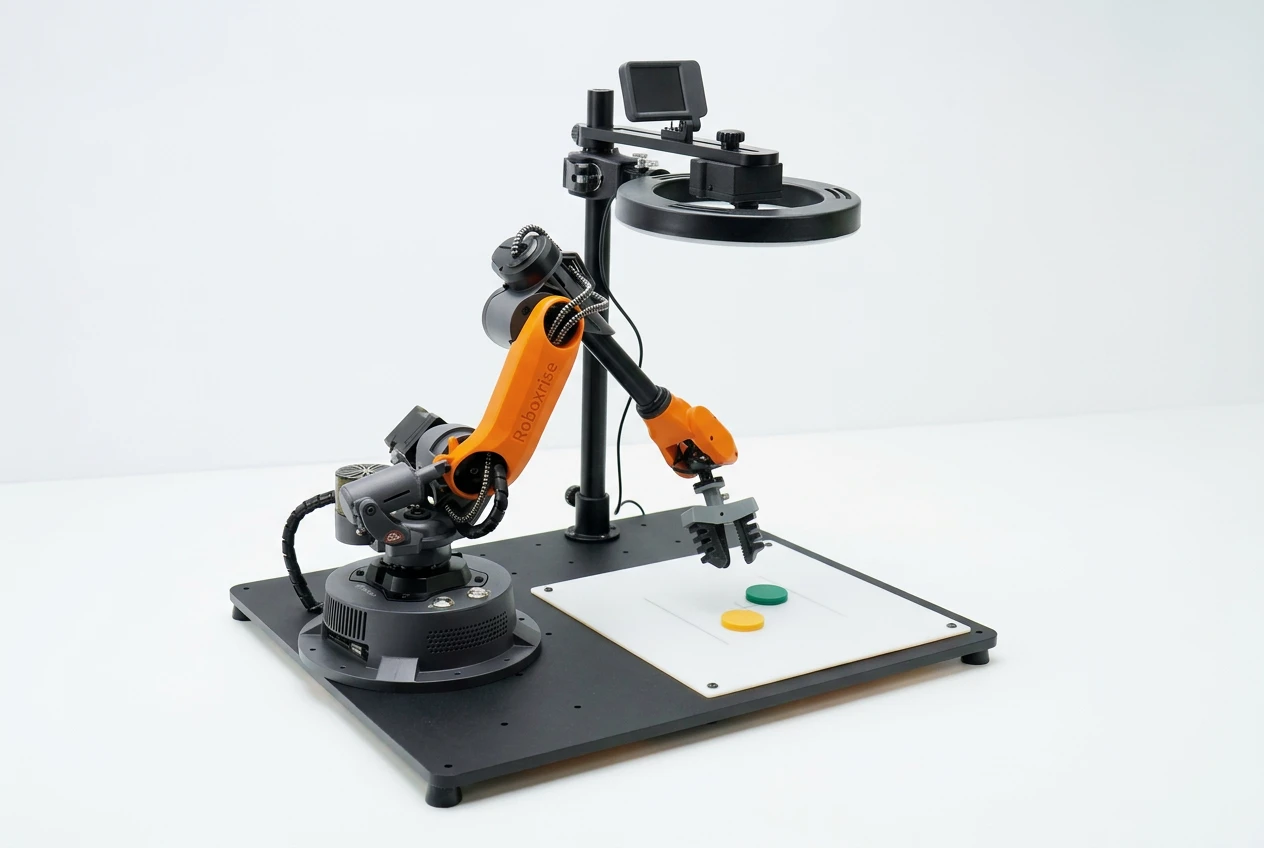
- Machine vision and AI sorting (with AI Vision Set)
- Robot control from a microcontroller and a PLC
What is included?
Hardware in the box, plus what RoboxRise delivers with it.
In the box
- ROBOXRISE Mirobot robotic arm × 1
- Power cable & High-speed USB cable & IDC cable × 1
- Pen holder × 1
- Micro servo gripper × 1
- Multifunctional Extender box × 1
- Mirobot sticker × 1
- Handbook × 1
- Pneumatic set (including pneumatic box, suction cup, two-finger gripper, three-finger soft gripper) × 1
- Online Textbook (ROBOXRISE Mirobot Robotic Arm Programming and Control) × 1
Delivered by RoboxRise
- Official textbook — RoboxRise Mirobot Robotic Arm Programming and Control
- Experiment handbook, lesson resources, sample code and demo videos
- Faculty training (train-the-trainer) for your lab staff
- Installation and commissioning at your institution
- Technical support from India-based robotics engineers
- Defined warranty and spares support — terms in your quotation
Experiments
20 of the lab experiments students perform on this system.
- Robot system overview, homing and safe start-up
- Joint vs Cartesian jogging
- Base, tool and user coordinate frames
- Deriving the DH parameters of a 6-axis arm
- Forward and inverse kinematics verification
- Point-to-point, linear and arc motion
- Trajectory planning and path smoothing
- Teach-and-play programming
- Blockly pick-and-place program
- Controlling the arm from Python
- Palletising and de-palletising with a suction cup
- Gripping strategies: two-finger vs three-finger soft gripper
- Writing and drawing — path accuracy study
- Robot I/O and external signals
- ROS motion simulation with URDF and RViz
- Real-robot control with MoveIt! and Gazebo
- MATLAB kinematic simulation
- Motion control from a microcontroller (AVR)
- Motion control from a PLC
- Conveyor tracking and colour sortingneeds Conveyor Belt Set + AI Vision Set
Grow your lab
Compatible systems that connect directly to this one.
Technical specifications
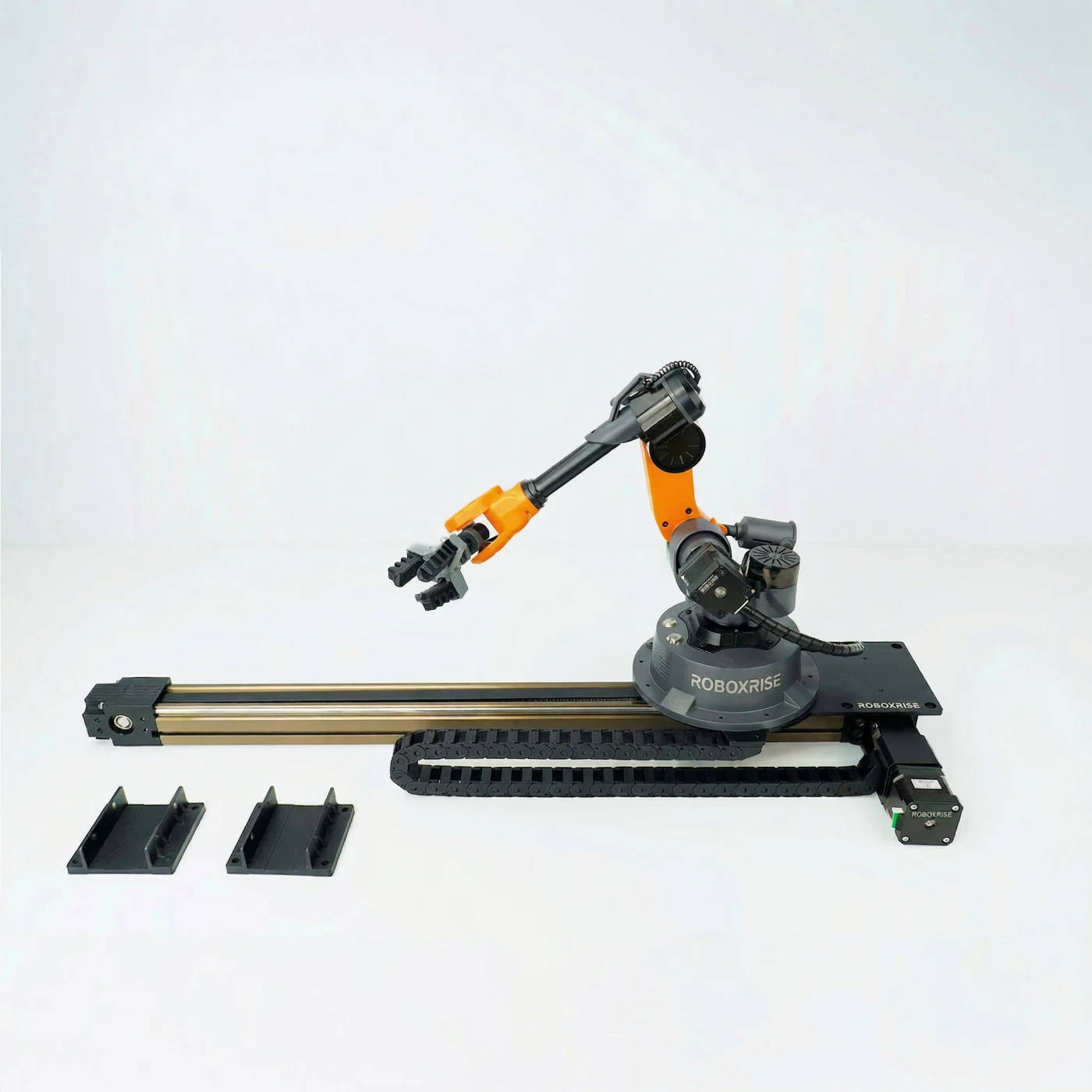
| Axes | 6 (7th axis with optional Sliding Rail Set) |
|---|---|
| Repeatability | ±0.2 mm |
| Payload | 250 g |
| Working radius | 315 mm |
| Net weight | 1.5 kg |
| Structure | Industrial 6-axis architecture at 1:10 scale |
| Control modes | PC software, teach pendant, vision control |
| Communication | USB, Bluetooth, Wi-Fi, RS485 |
| Programming | Blockly (graphical), teach-and-play, Python, C/C++, G-code |
| Supported platforms | ROS, MATLAB, CoppeliaSim (V-REP), AVR microcontroller, PLC, OpenCV / OpenMV, YOLOv5, TensorFlow, PyTorch, Omniverse |
| End-effectors in kit | Micro servo gripper, suction cup, pneumatic two-finger gripper, three-finger soft gripper, pen holder |
| Applications | Writing & drawing, laser engraving, material handling, palletising, sorting |
Specifications may vary by configuration. Your formal quotation lists the exact configuration supplied.
See it working
Warranty & support
All RoboxRise institutional systems are supplied with defined warranty, technical support and commissioning terms according to the selected configuration. Detailed commercial terms are provided with the formal quotation.
Questions
Do students need prior robotics experience?
No. Students start with teach-and-play and Blockly, then move to Python, kinematics and ROS. The textbook is sequenced from first motion to advanced programming.
How many students can share one robot?
We recommend 3–4 students per robot for hands-on practice. For a class of 30, most labs start with 6–8 robots plus add-ons.
Can we add vision, a conveyor or a rail later?
Yes. The AI Vision Set, Conveyor Belt Set and Sliding Rail Set connect directly to Mirobot, so the lab can grow without replacing the robot.
What safety arrangements are needed?
Mirobot is a compact, low-payload desktop robot designed for supervised bench-top use and runs from a standard socket — no industrial robot cell is needed. Moving joints and grippers can still pinch, so students should work under faculty supervision with the emergency stop within reach, and the lab should follow a simple risk assessment for the tools and accessories in use. We cover safe operation during faculty training.
What happens after we order?
We deliver, install and commission the robots at your institution, train your faculty, and remain your support contact. Exact scope, warranty and timelines are written into your formal quotation.
Request a quote for Mirobot Education Kit
Tell us about your institution and requirement. A robotics engineer — not a call centre — will call you back within one working day with a recommendation and a formal quotation.
- Call our robotics lab team+91 81200 07474
- WhatsAppChat with a robotics consultant
- Emailgunalan@r-tech.in
- HoursMon–Sat 9 AM–6 PM IST
Request Proposal
Fields marked * are required.