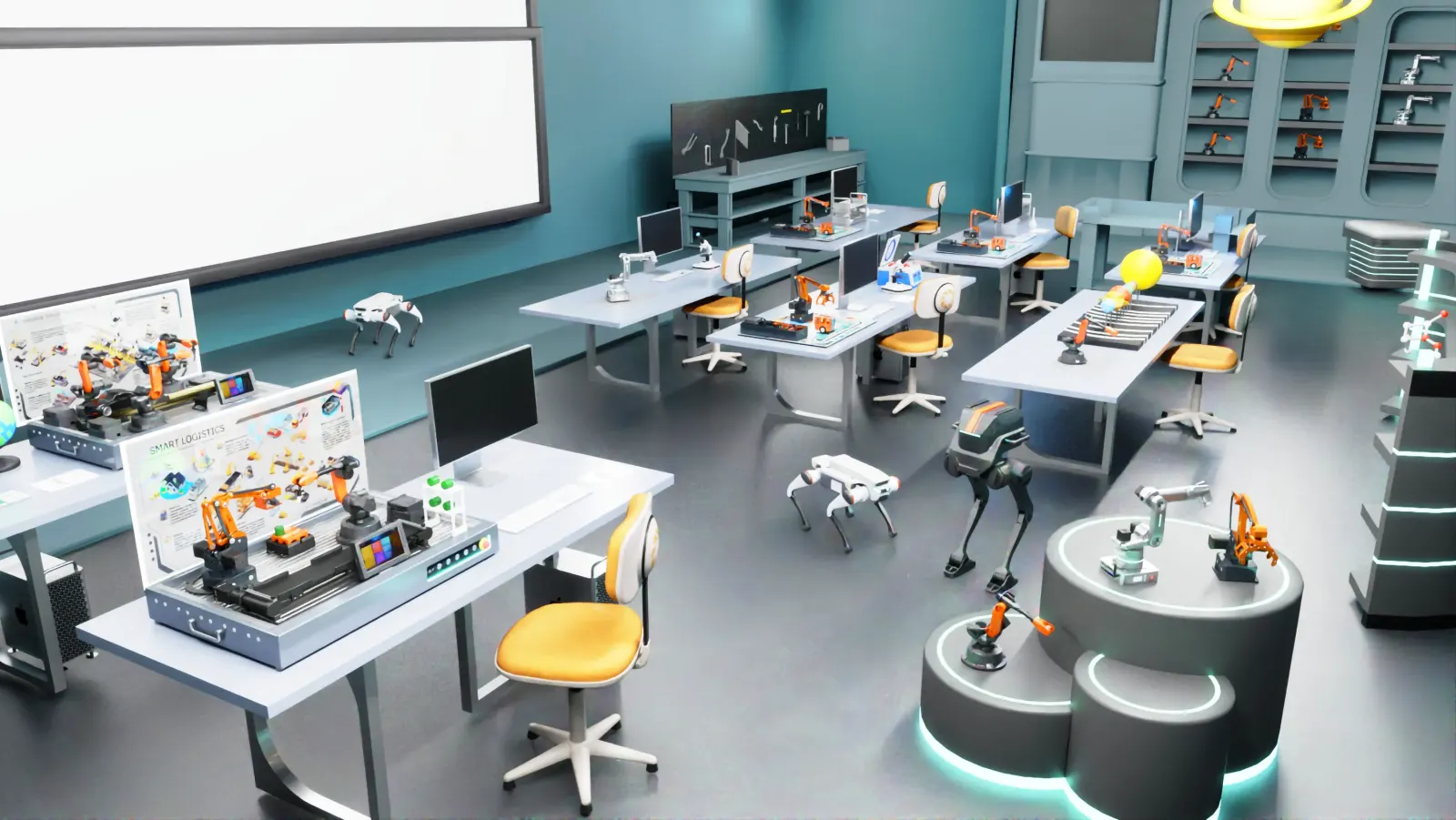
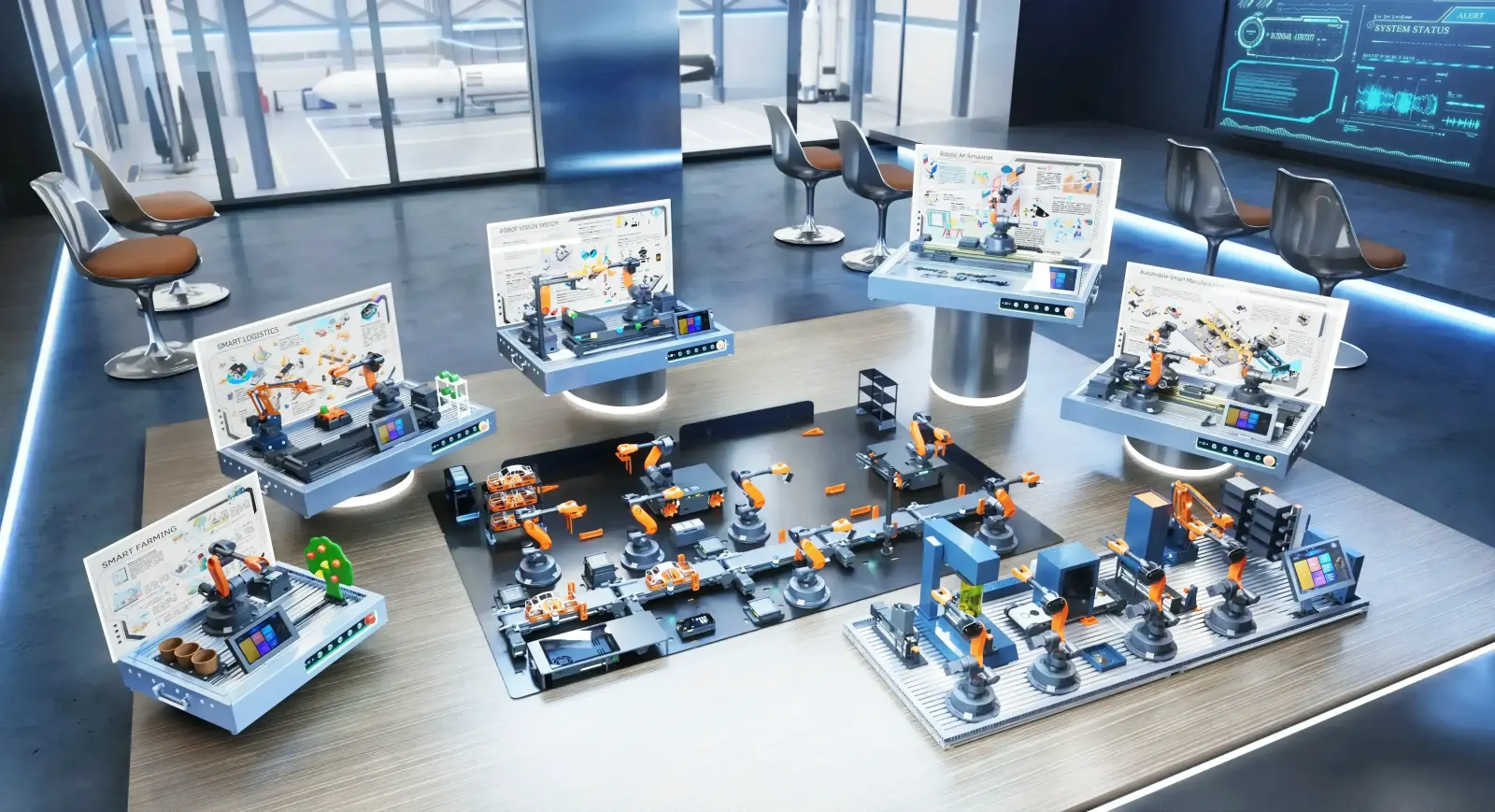
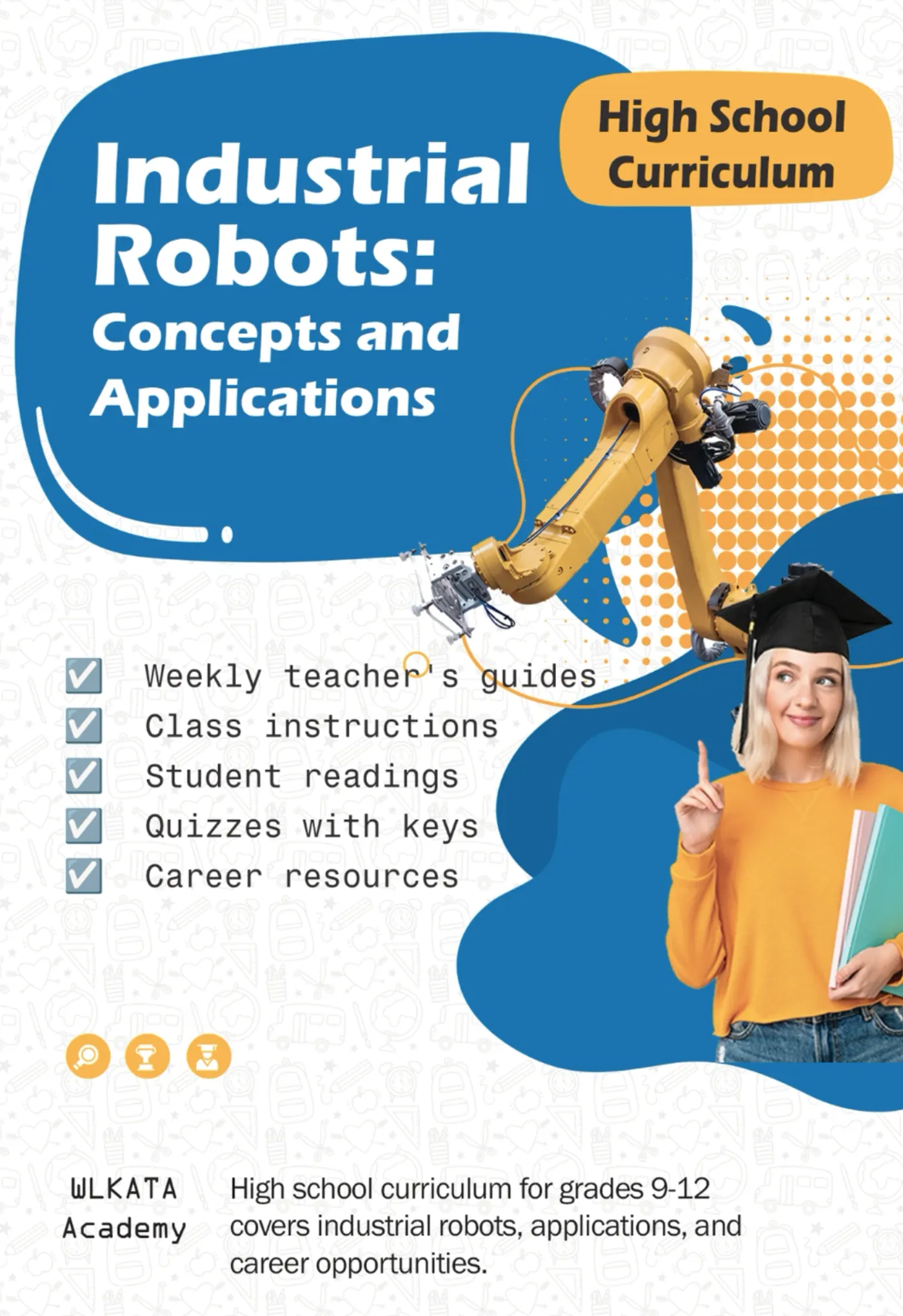
When an engineering college sets up a robotics lab, the first decision is the type of robot. There are three broad options, and they produce very different learning outcomes. Choosing wrongly either leaves students with toy-level skills or leaves an expensive industrial robot under a dust cover.
Option 1: STEM robot kits
Plastic arms and hobby-servo kits are built to spark curiosity in school students. They are inexpensive and easy to start with.
- No rated repeatability — positions drift as servos wear
- Programming is usually block code or a mobile app only
- No industrial interfaces such as digital I/O, RS485, Modbus or PLC
- Teach coding logic, but not the kinematics and programming methods used in industry
Verdict: good for middle-school curiosity, not for engineering outcomes.
Option 2: Full-size industrial robots
A real factory robot gives authentic exposure, and some institutions buy one as a showpiece. In practice it is a poor teaching tool for large batches.
- Requires a fenced cell, interlocks, industrial power and dedicated floor space
- Each brand uses its own proprietary pendant language
- One robot for the whole batch — most students watch rather than operate
- High cost of the robot, cell, safety system and maintenance limits how many you can have
Verdict: built for production, not for teaching sixty students.
Option 3: Desktop industrial robots
A desktop industrial robot keeps the architecture of an industrial arm — the same kinematic structure, coordinate frames and programming concepts — at roughly 1:10 scale, so it fits on a lab bench and runs from a normal socket.
- Industrial 4- and 6-axis kinematics in metal or aluminium, driven by steppers with reducers
- Rated repeatability from ±0.2 mm down to ±0.05 mm
- Teach pendant, Blockly, Python, C++, G-code, ROS / ROS2 and MATLAB
- Digital I/O, RS485 / Modbus and PLC integration; add vision, conveyors and linear rails
- No industrial robot cell; 3–4 students per robot, under supervision, so everyone gets hands-on time
Verdict: real industrial learning, sized for supervised classroom use — and affordable enough to equip a whole batch.
Side-by-side comparison
| STEM kit | Desktop industrial robot | Industrial robot | |
|---|---|---|---|
| Structure | Plastic, hobby servos | Industrial kinematics at 1:10 scale | Full-size industrial arm |
| Precision | Not rated | ±0.05–0.2 mm | Production-grade |
| Programming | Blocks / app | Teach, Blockly, Python, ROS, MATLAB, G-code | Proprietary pendant language |
| Industrial I/O | None | Digital I/O, RS485, Modbus, PLC | Full fieldbus |
| Set-up | Desk | Bench, standard socket, supervised use | Fenced cell, industrial power |
| Students per robot | Many kits | 3–4 | Whole batch |
| Best for | School curiosity | UG, PG, ITI and research labs | Production / specialised training |
What students actually learn on a desktop industrial robot
Because the structure is industrial, the concepts transfer directly to factory robots: joint and Cartesian jogging, tool and user frames, DH parameters, forward and inverse kinematics, trajectory planning, palletising, I/O handshakes with conveyors and PLCs, and vision-guided picking. Students who have programmed these on a desktop robot pick up a brand-specific industrial pendant far faster.
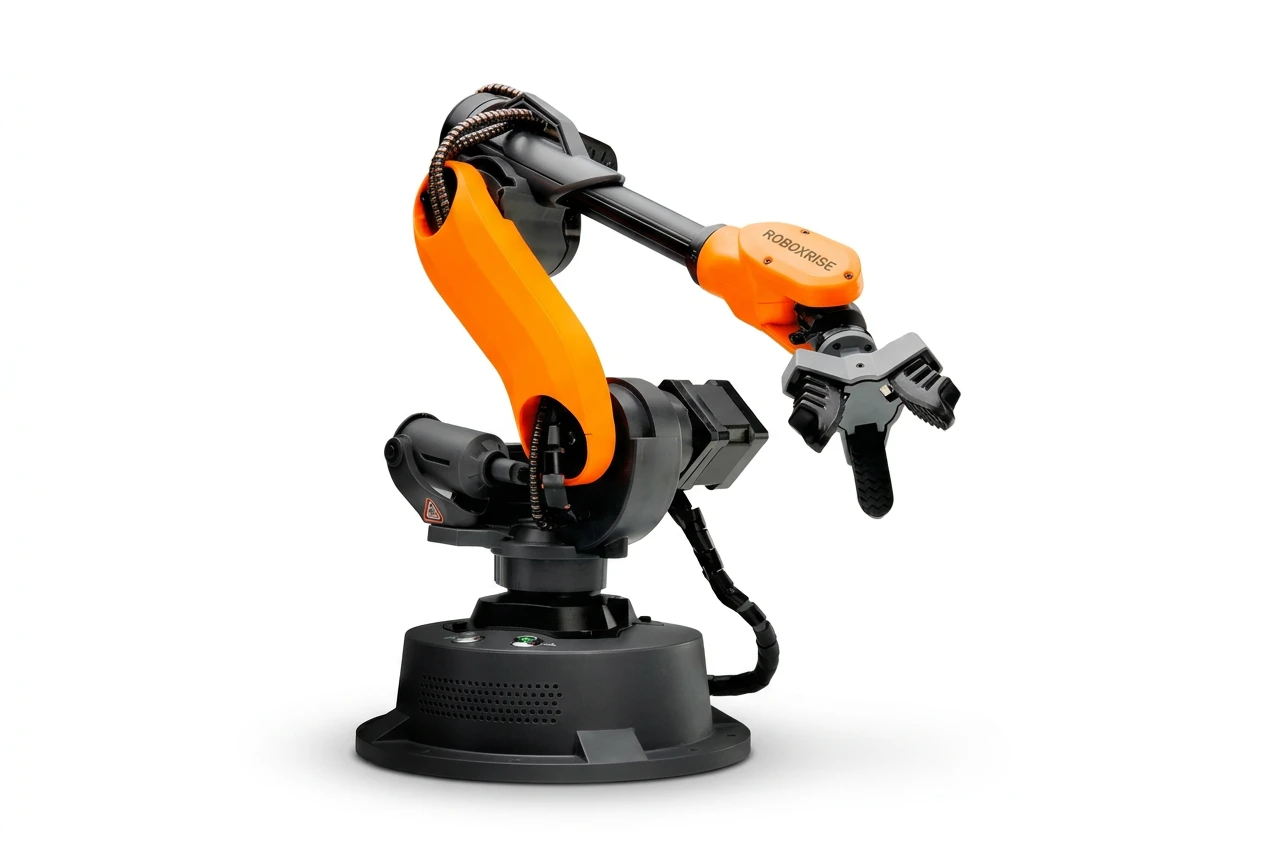
Mirobot Education Kit
6-axis desktop industrial robot — the entry point for teaching labs
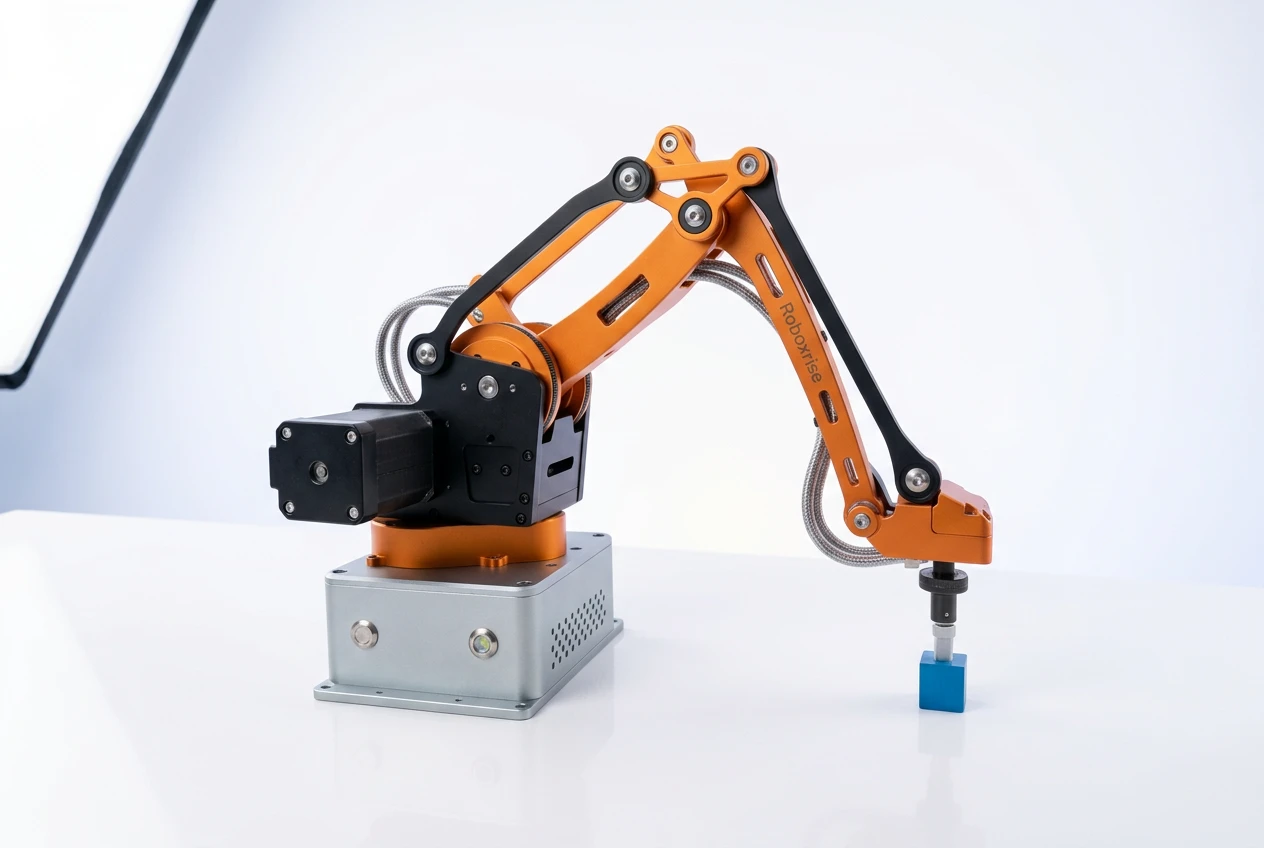
MT4 Edu Kit
4-axis all-metal, rebuildable robot arm
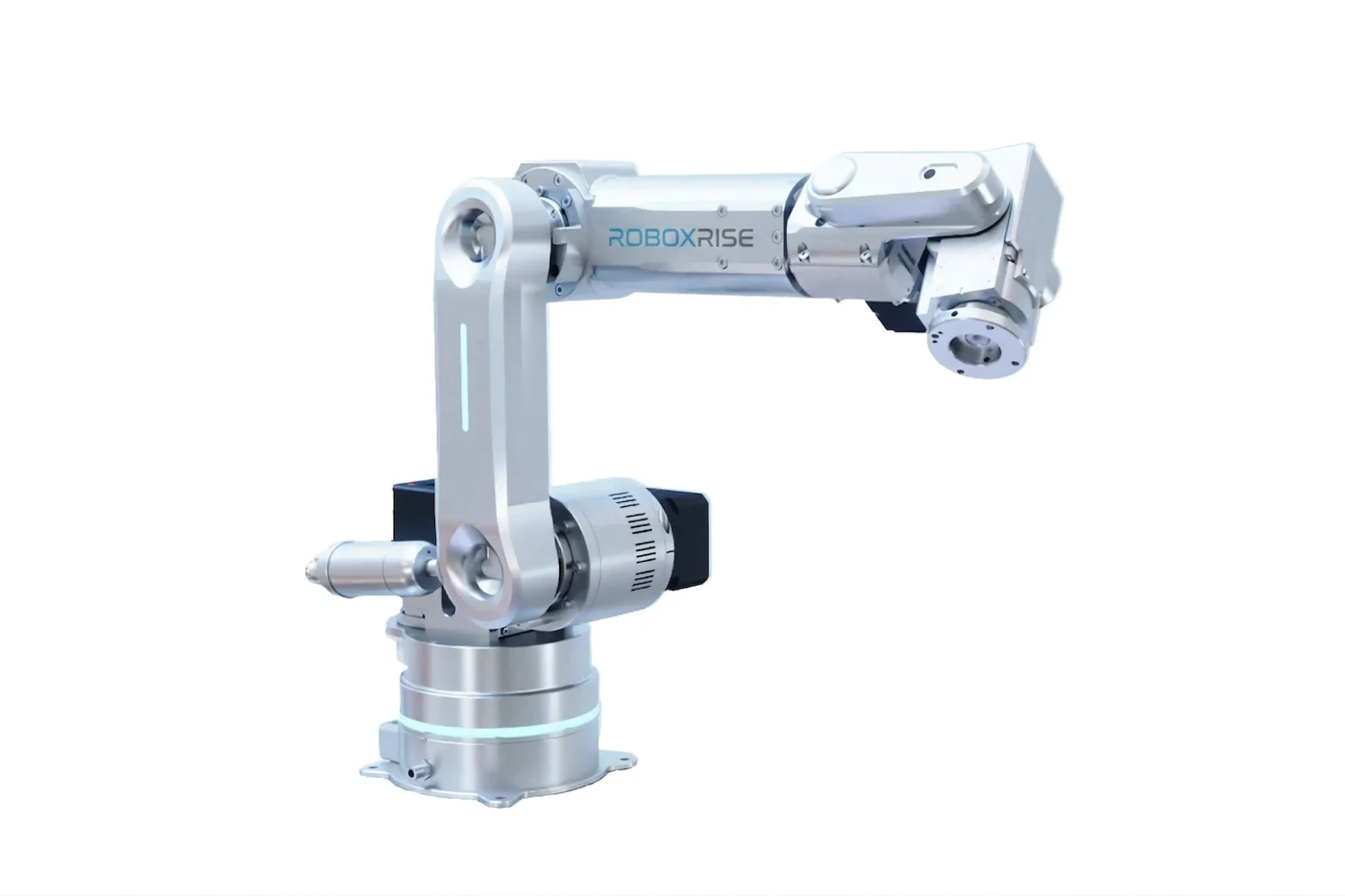
Haro380 Core Kit
0.05 mm, 6-axis compact industrial robot
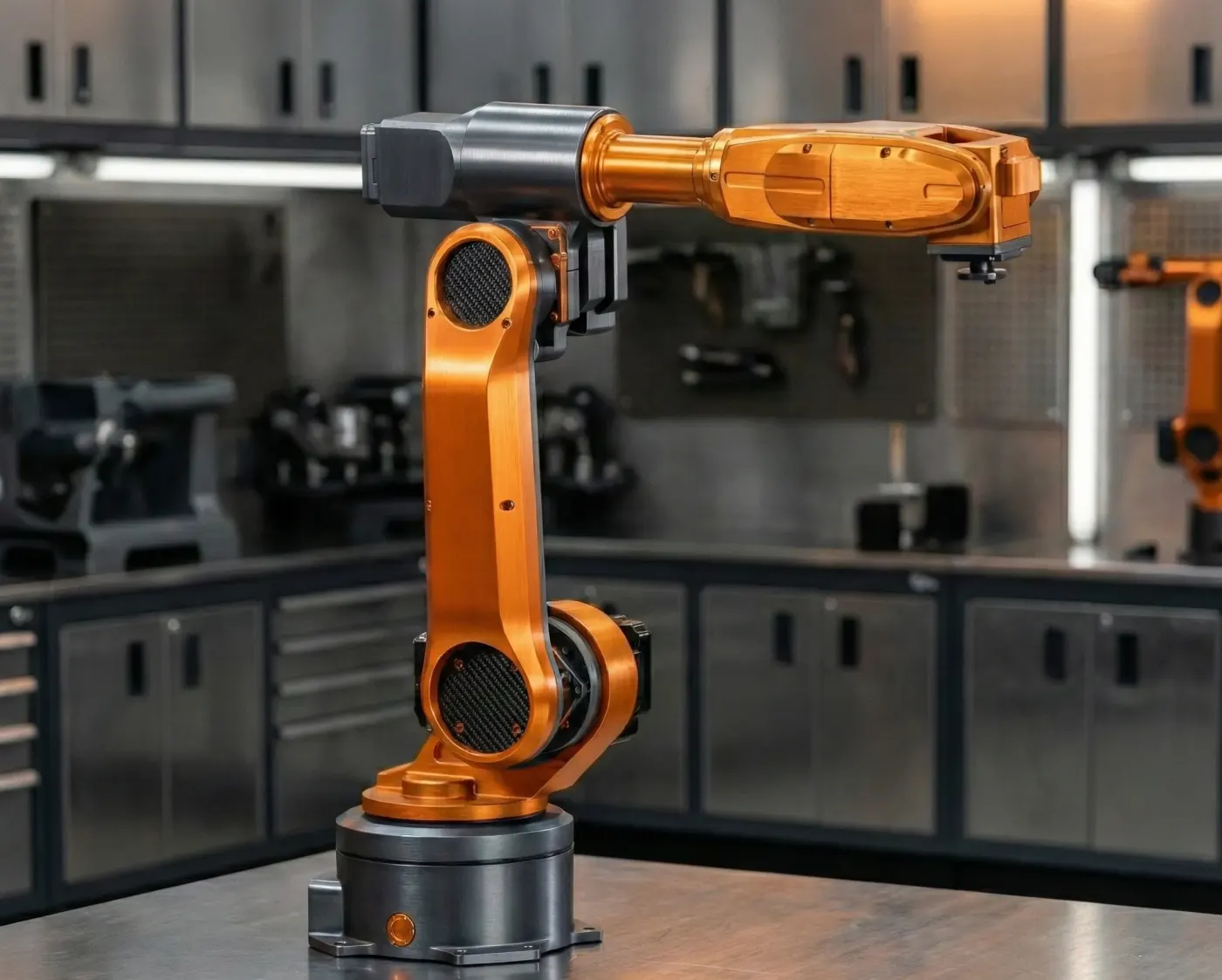
MiroMax Edge AI Kit
1 kg payload 6-axis arm with Raspberry Pi 5 edge-AI controller
Which desktop robot for which programme?
- First teaching lab, UG and senior school: a 6-axis arm such as Mirobot
- Diploma, ITI and mechanism design: a rebuildable all-metal 4-axis arm such as MT4
- PG, research and Industry 4.0: a ±0.05 mm compact industrial arm such as Haro380
- Edge AI and ROS 2 research: a 1 kg-payload arm with an onboard AI computer such as MiroMax
See the full Mirobot vs MT4 vs Haro380 vs MiroMax comparison, or book a meeting to see them working.
Frequently asked questions
What is a desktop industrial robot?
A robot arm that uses the kinematic structure and programming concepts of an industrial robot at roughly 1:10 scale, so it can sit on a lab bench, run from a normal socket and be used by students under supervision without a full industrial robot cell.
Are desktop robots good enough for engineering education?
Yes. With rated repeatability of ±0.05–0.2 mm, industrial programming methods and PLC / vision integration, they teach the same concepts as factory robots while giving every student hands-on time.
Should a college buy one industrial robot or several desktop robots?
For teaching a batch, several desktop robots usually deliver far better outcomes because each student operates a robot. An industrial robot suits specialised training or production-oriented centres.