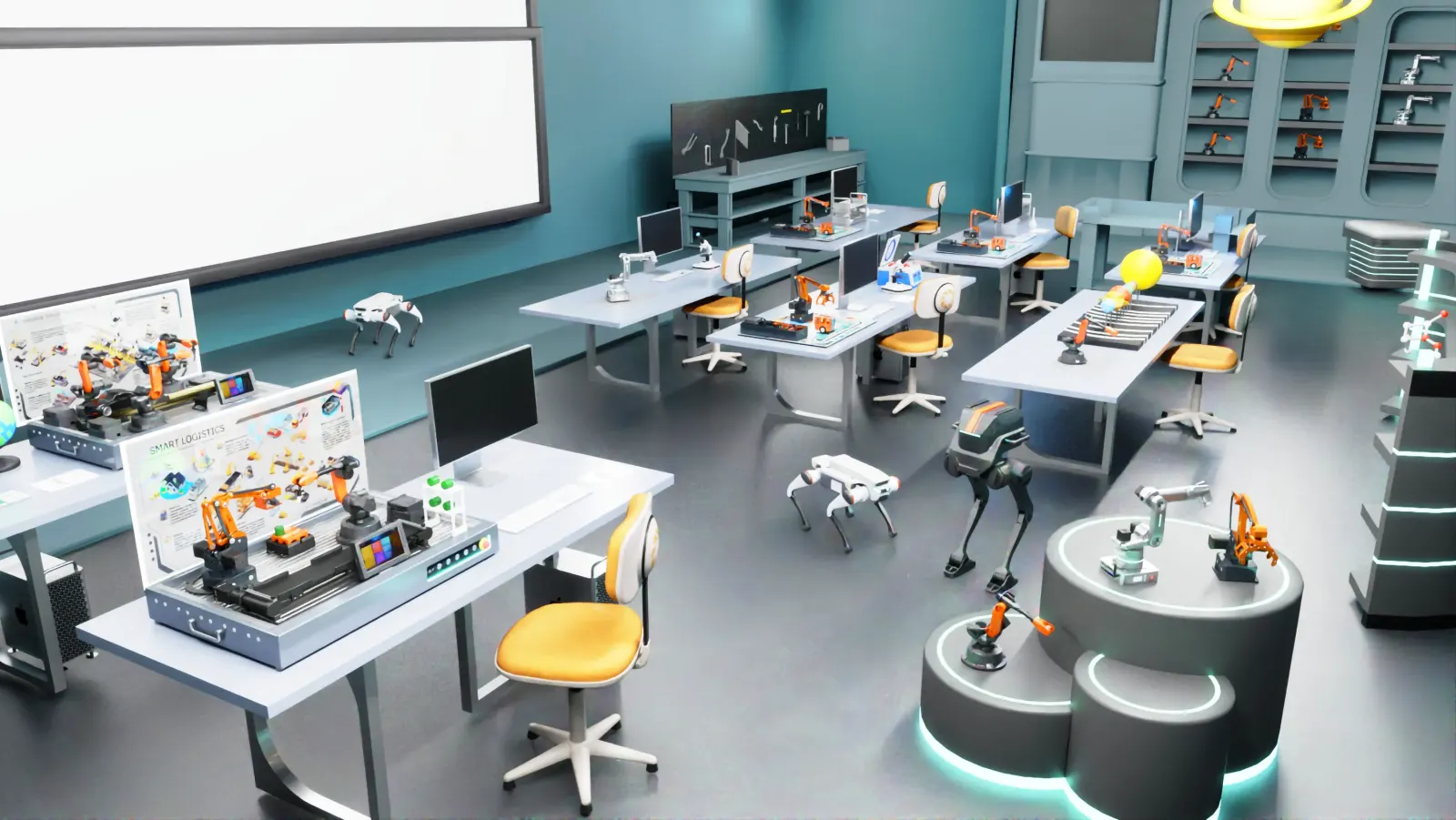
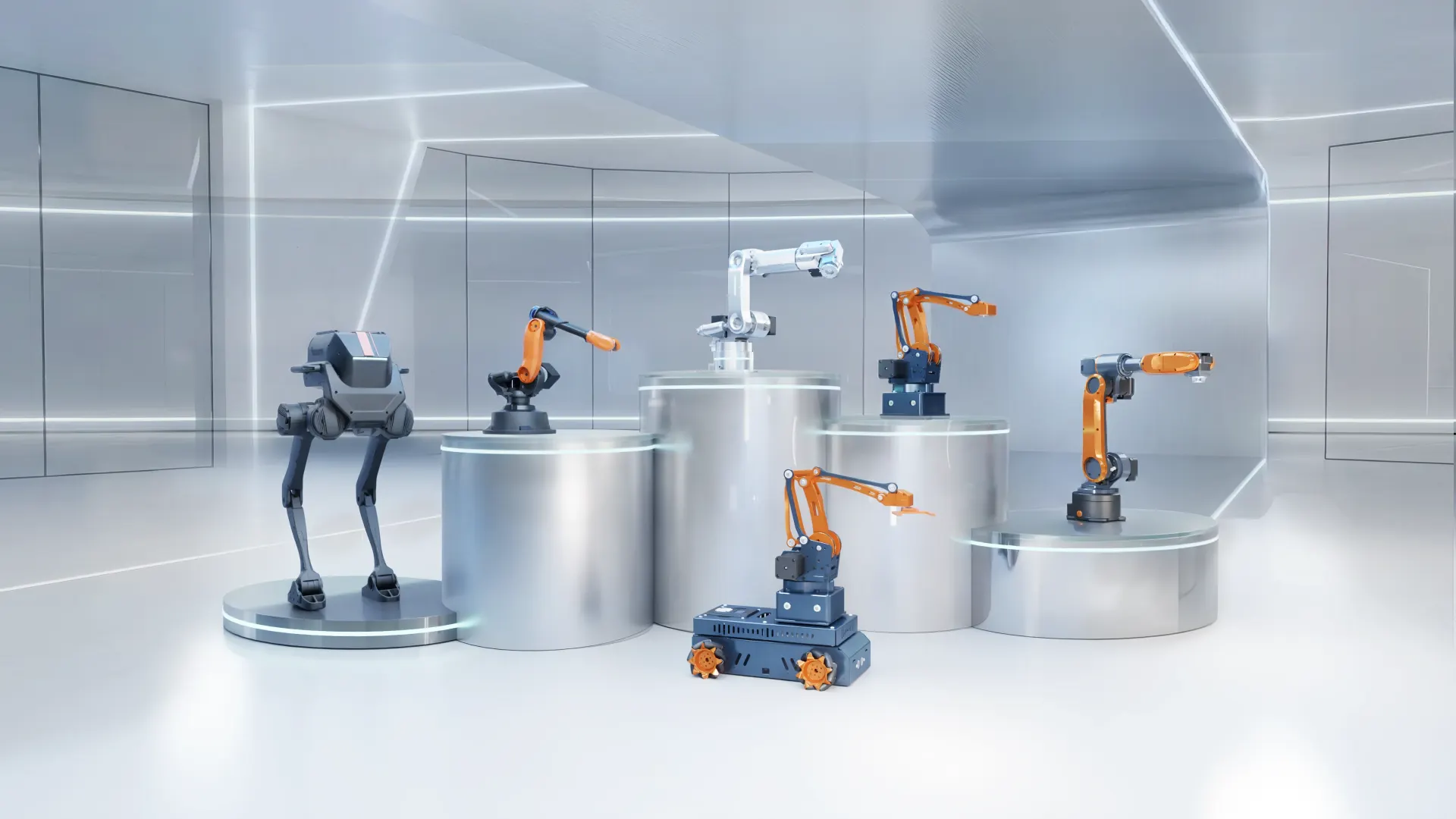
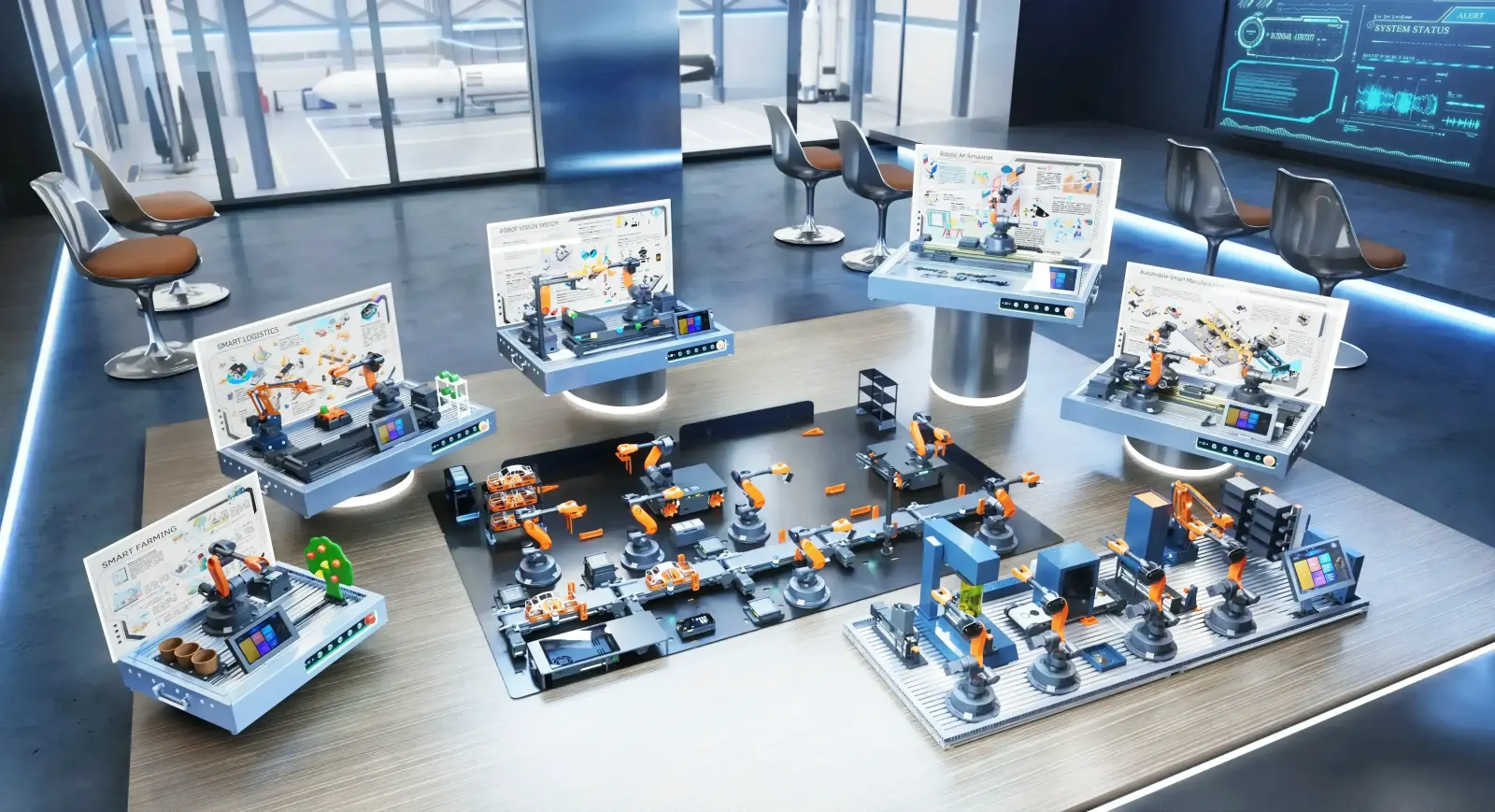
This semester plan is for a UG robotics lab in Mechanical, Mechatronics or Production Engineering, with one 2–3 hour lab per week. It assumes 3–4 students per desktop industrial robot and uses experiments from the Mirobot programming textbook, with optional vision and conveyor add-ons. Adapt the order to your theory course.
Course outcomes
By the end of the lab, students will be able to:
- Operate an industrial-architecture robot safely and explain its coordinate frames
- Derive and verify forward and inverse kinematics for a 6-axis arm
- Plan and program point-to-point, linear and arc trajectories
- Program material handling and palletising by teach, graphical and Python methods
- Integrate a robot with sensors, a conveyor and a PLC
- Apply machine vision and simulation to a robotic task
Week-by-week plan
| Week | Experiment | Outcome |
|---|---|---|
| 1 | Robot system overview, homing, E-stop and safe start-up | CO1 |
| 2 | Joint vs Cartesian jogging; base, tool and user frames | CO1 |
| 3 | Deriving the DH parameters of a 6-axis arm | CO2 |
| 4 | Forward and inverse kinematics — calculation vs robot readout | CO2 |
| 5 | Point-to-point, linear and arc motion commands | CO3 |
| 6 | Trajectory planning and path smoothing (writing / drawing task) | CO3 |
| 7 | Teach-and-play pick-and-place | CO4 |
| 8 | Palletising with a suction cup using graphical programming | CO4 |
| 9 | Python control through the open API | CO4 |
| 10 | Robot I/O and a conveyor with photoelectric sensor | CO5 |
| 11 | Robot motion triggered from a PLC | CO5 |
| 12 | Vision-guided colour sorting | CO6 |
| 13 | ROS / MATLAB simulation of the week-8 task, run on the real robot | CO6 |
| 14 | Mini-project demonstration and viva | CO1–CO6 |
No vision or PLC equipment yet? Replace weeks 11–12 with gripper comparison (two-finger vs soft gripper) and microcontroller control — both are covered in the standard textbook.
Mini-project ideas
- Automatic sorting of mixed parts by colour into bins
- Palletising pattern optimisation for minimum cycle time
- Robot-written name plate or logo from a vector file
- Conveyor-fed inspection station with reject handling
- ROS-planned pick-and-place compared with teach-programmed version
Assessment
- Lab record per experiment: aim, procedure, program listing, results and observations
- Practical test: program an unseen pick-and-place task within a time limit
- Mini-project: demonstration, short report and viva
- Continuous assessment on safe operation and teamwork
Taking it further
Final-year and PG students can extend into ROS / MoveIt!, deep-learning vision with OpenCV and YOLO, multi-robot cells and digital twin. Students in Mechatronics and EEE often add PLC programming depth, while CSE and AI students focus on vision and ROS 2.
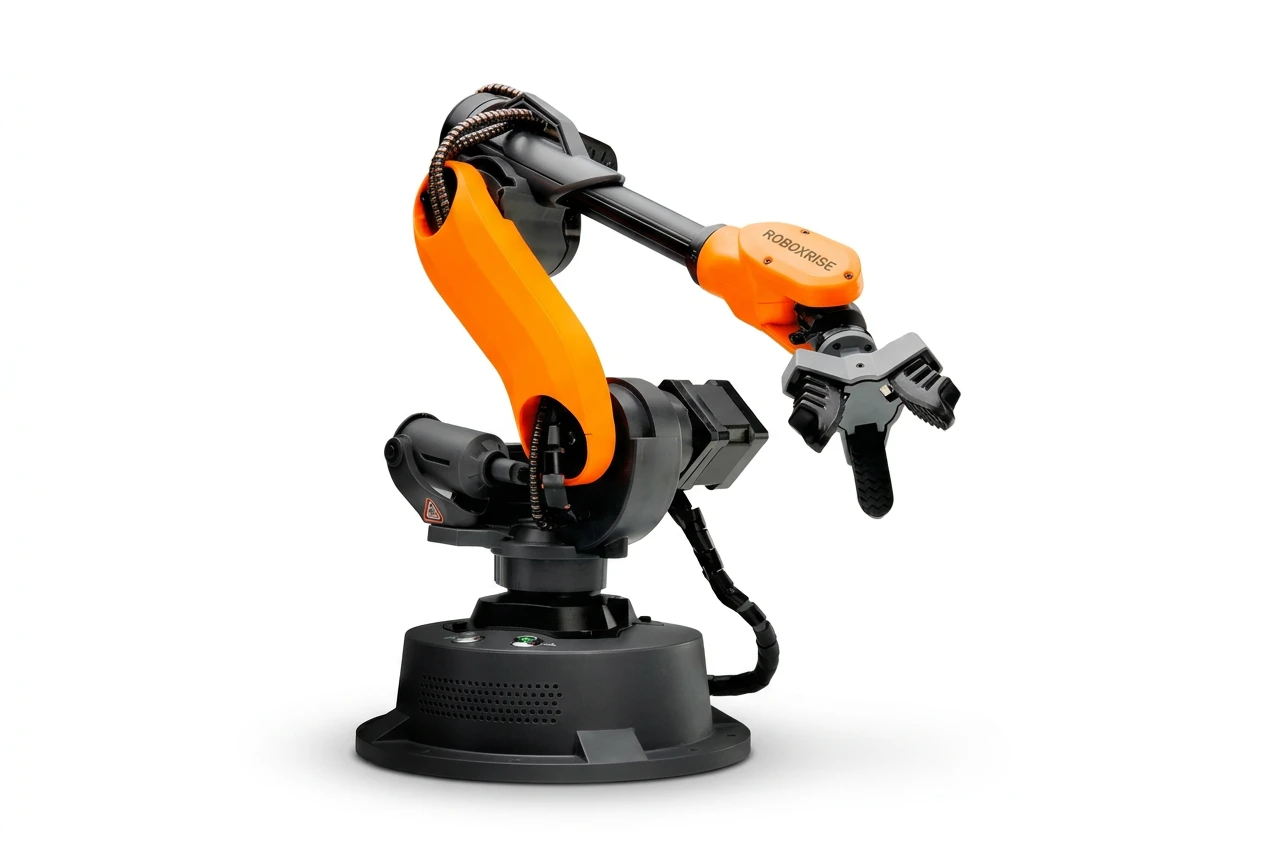
Mirobot Education Kit
6-axis desktop industrial robot — the entry point for teaching labs
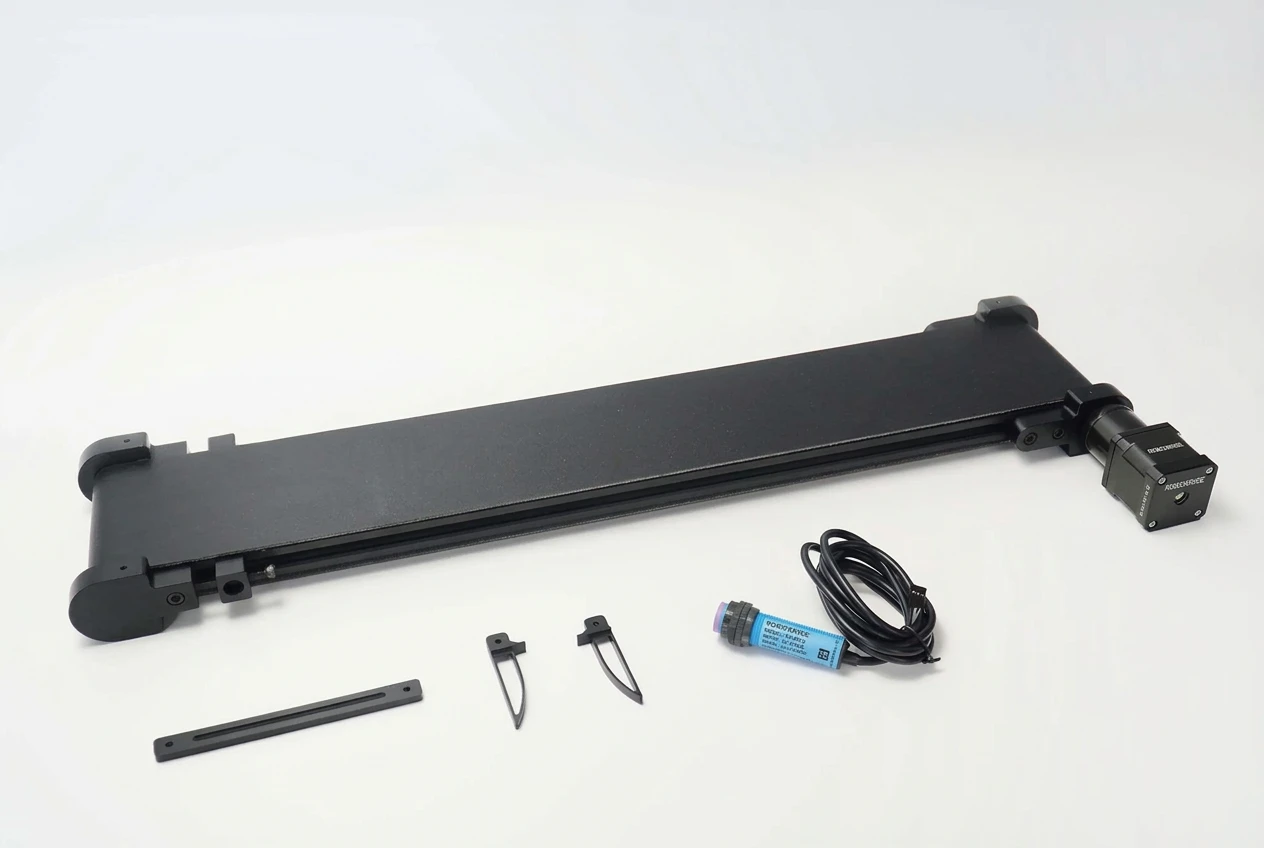
Conveyor Belt Set
Modular conveyor for Mirobot, MT4 and Haro380
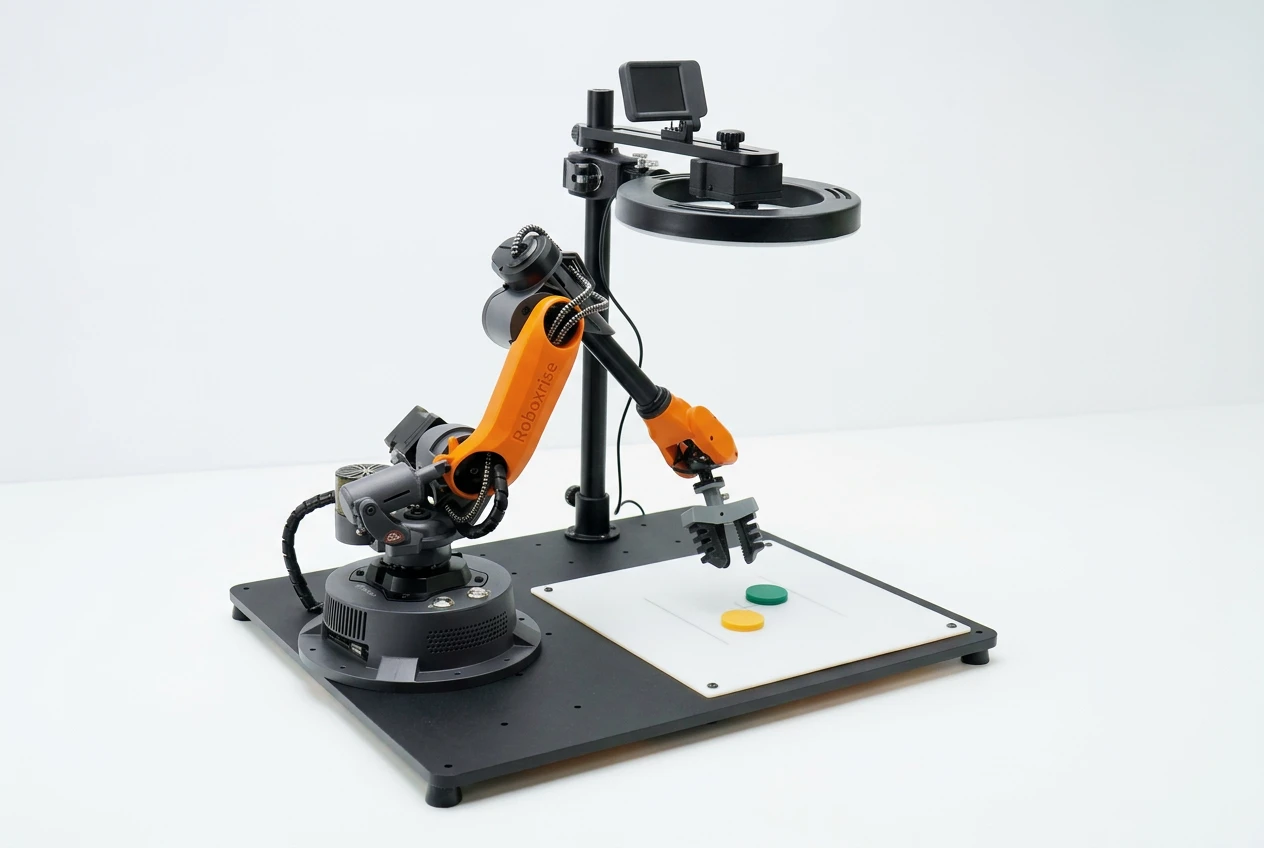
AI Vision Set
Plug-in AI camera for colour, shape and object recognition
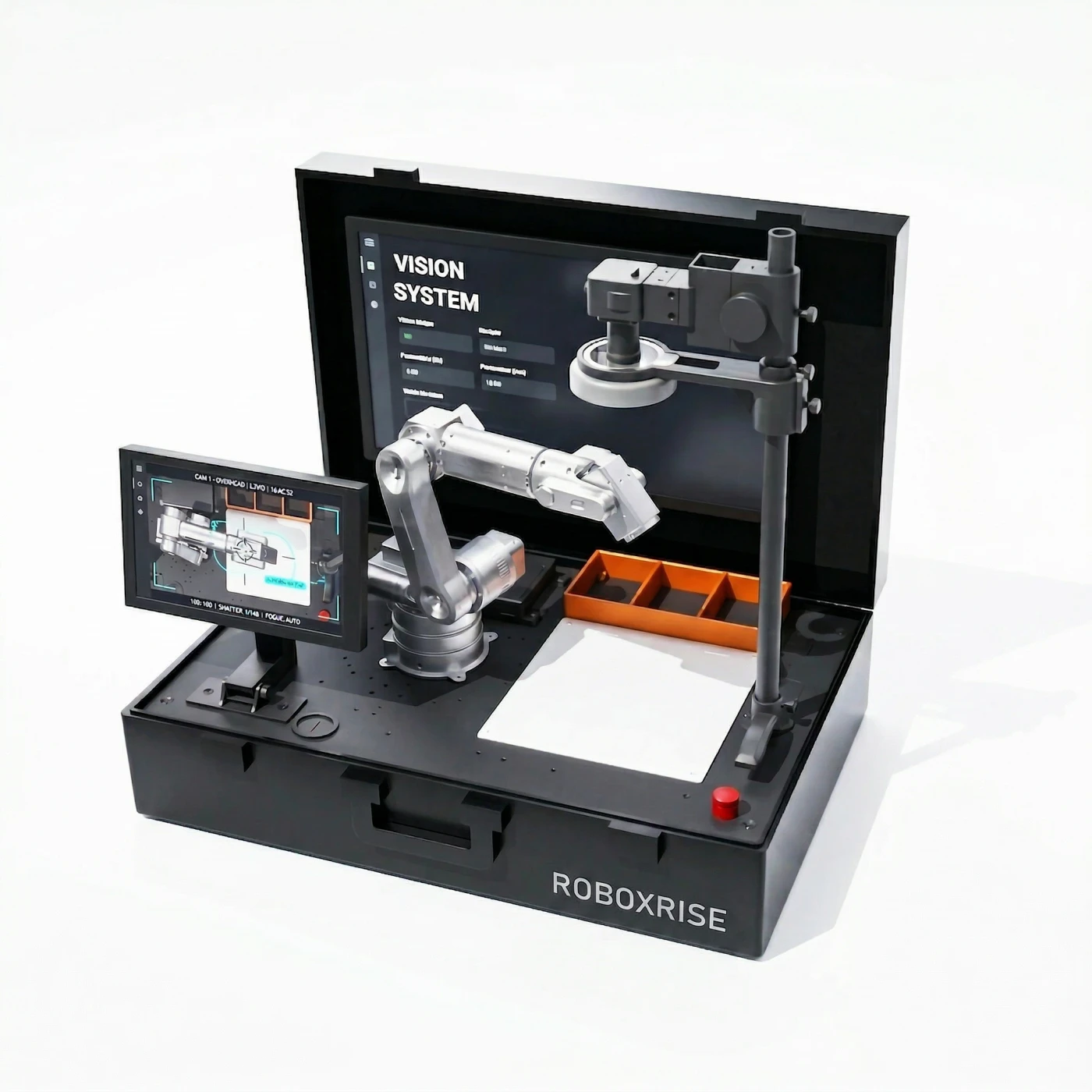
OpenCV Advanced Vision Suite
Linux vision platform with YOLOv5, OpenCV and a university textbook
Want the full experiment manual for your department? See our curriculum and textbooks or request it from our team.
Frequently asked questions
What experiments should a UG robotics lab include?
A strong UG lab covers safe operation and coordinate frames, DH parameters and kinematics, trajectory planning, teach / graphical / Python programming, palletising, robot I/O with conveyors and PLCs, machine vision, and simulation in ROS or MATLAB.
How many experiments fit in one semester?
With one 2–3 hour lab per week over 14 weeks, about 12 experiments plus a mini-project demonstration is realistic.