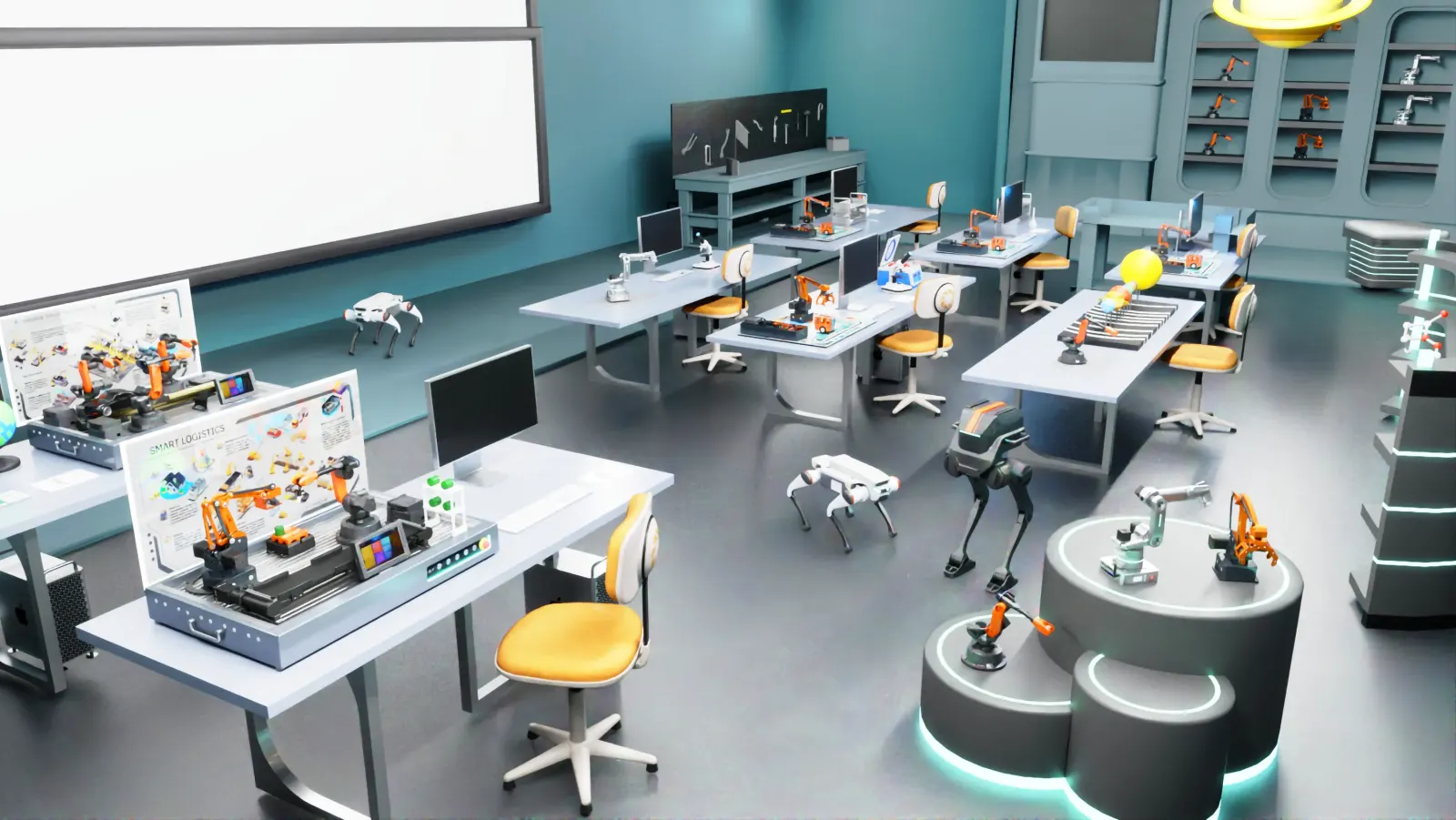
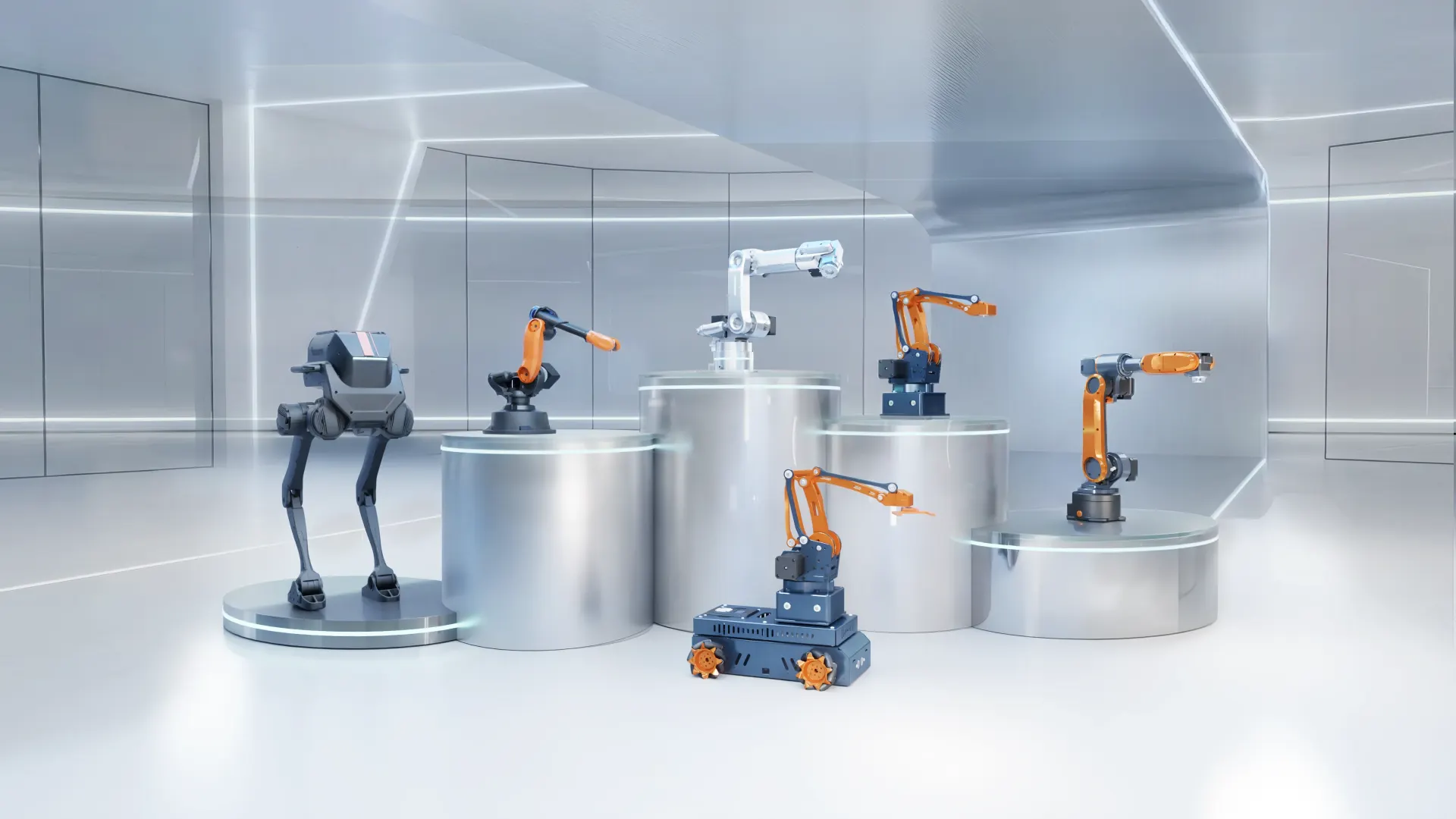
"Industry 4.0 lab" is used loosely. Some vendors mean a PLC trainer with a dashboard; others mean a fully automated production line. A useful Industry 4.0 lab lets students see how robots, sensors, vision, controllers and software work together to make a product — and lets them change the process themselves. This guide breaks the lab into layers and suggests how to build it in phases.
The seven layers of an Industry 4.0 lab
| Layer | What it does | Typical equipment |
|---|---|---|
| 1. Robots | Handling, assembly, processing | Desktop 4- and 6-axis industrial arms |
| 2. Material handling | Moves parts between stations | Conveyors, linear rails, feeders, storage racks |
| 3. Machine vision | Identifies, measures and inspects | Industrial cameras, OpenCV / AI vision systems |
| 4. Control | Coordinates the process | PLC, HMI touch screen, control boxes |
| 5. Sensors & I/O | Detects parts and states | Photoelectric, inductive and colour sensors, tower lights |
| 6. Mobile robots | Flexible intralogistics | AGVs and mobile manipulators |
| 7. Software & data | Simulation, monitoring, analysis | Digital twin, offline programming, dashboards |
Phase 1: Robotics and automation foundation
Start with robots students can program individually, plus the first integration elements. This phase alone supports most UG robotics and automation outcomes.
- Several desktop robot arms for individual practice
- A conveyor with photoelectric sensor for material-handling experiments
- An AI vision set for recognition and sorting
- A linear rail to teach external-axis control
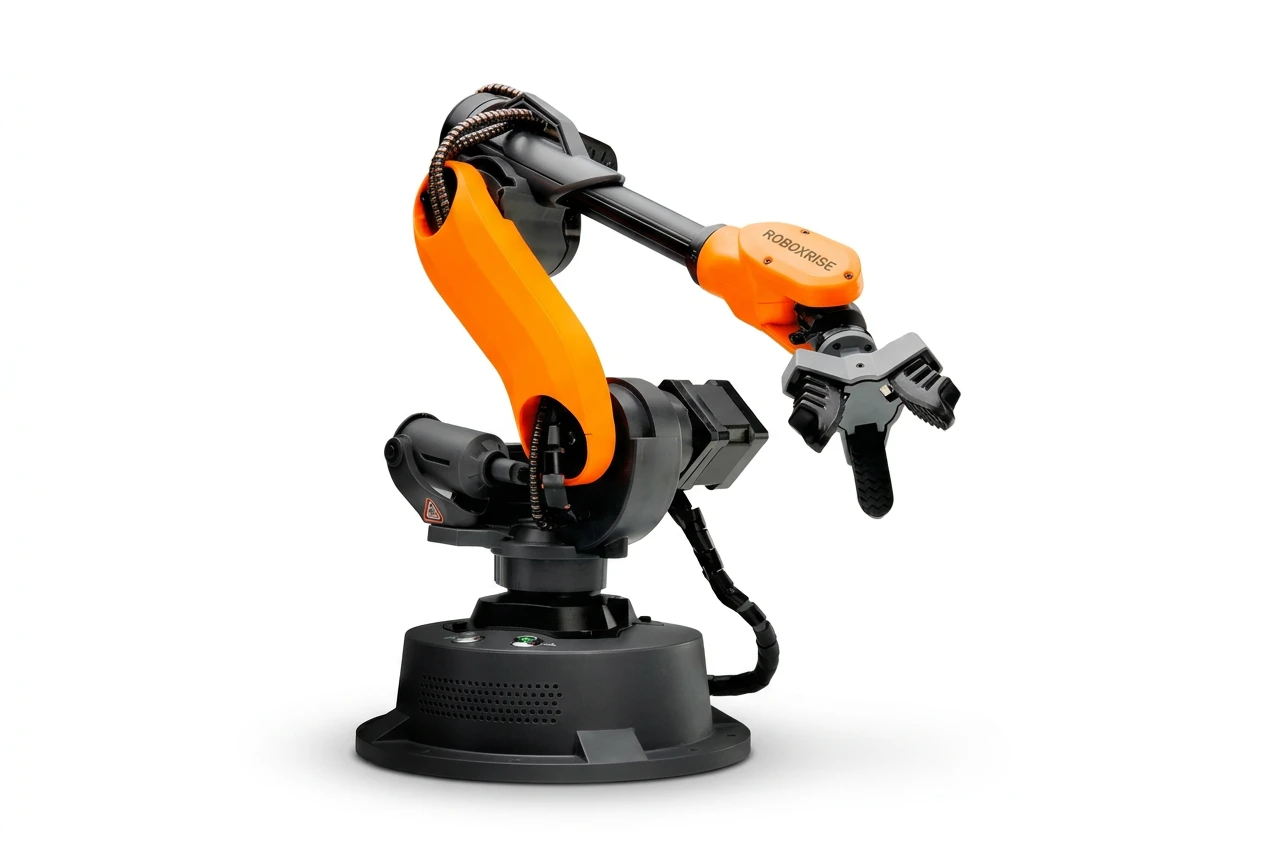
Mirobot Education Kit
6-axis desktop industrial robot — the entry point for teaching labs
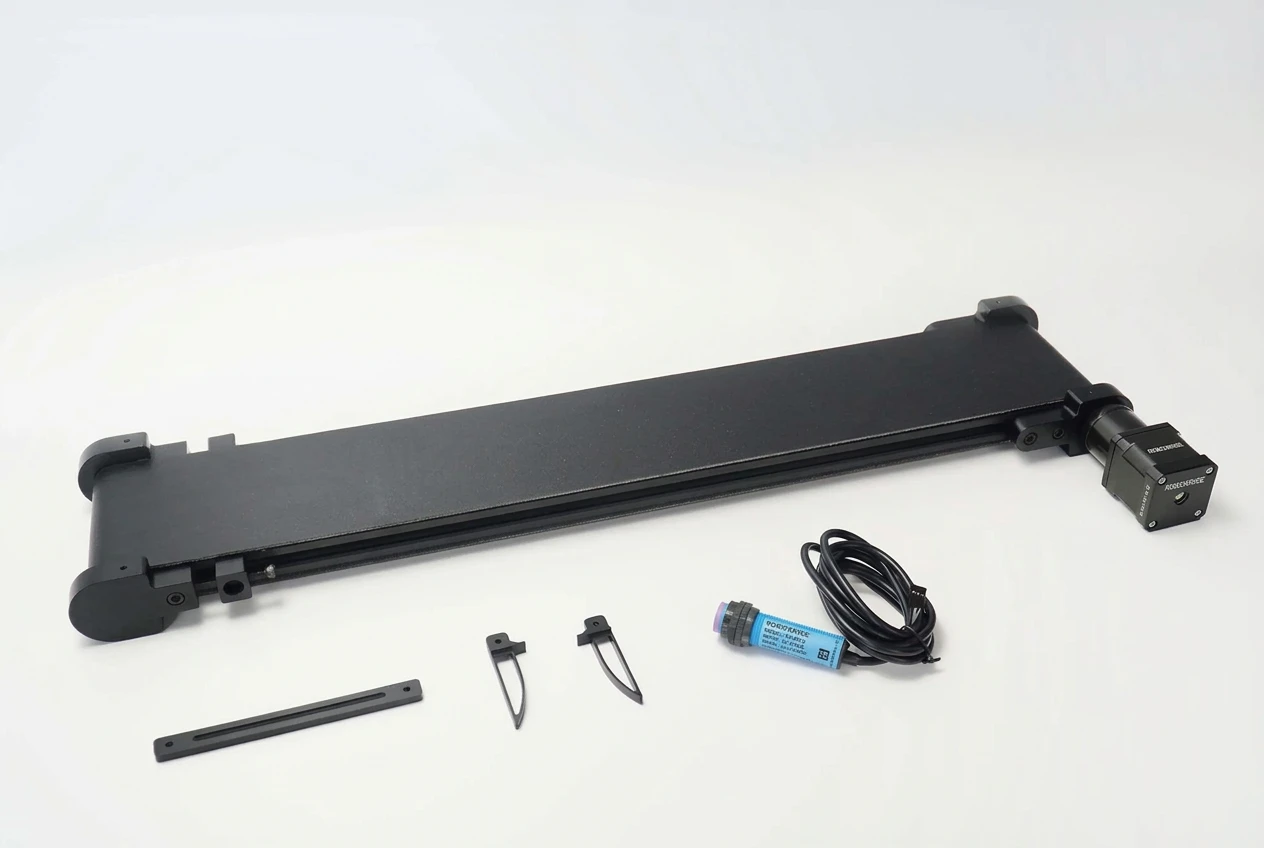
Conveyor Belt Set
Modular conveyor for Mirobot, MT4 and Haro380
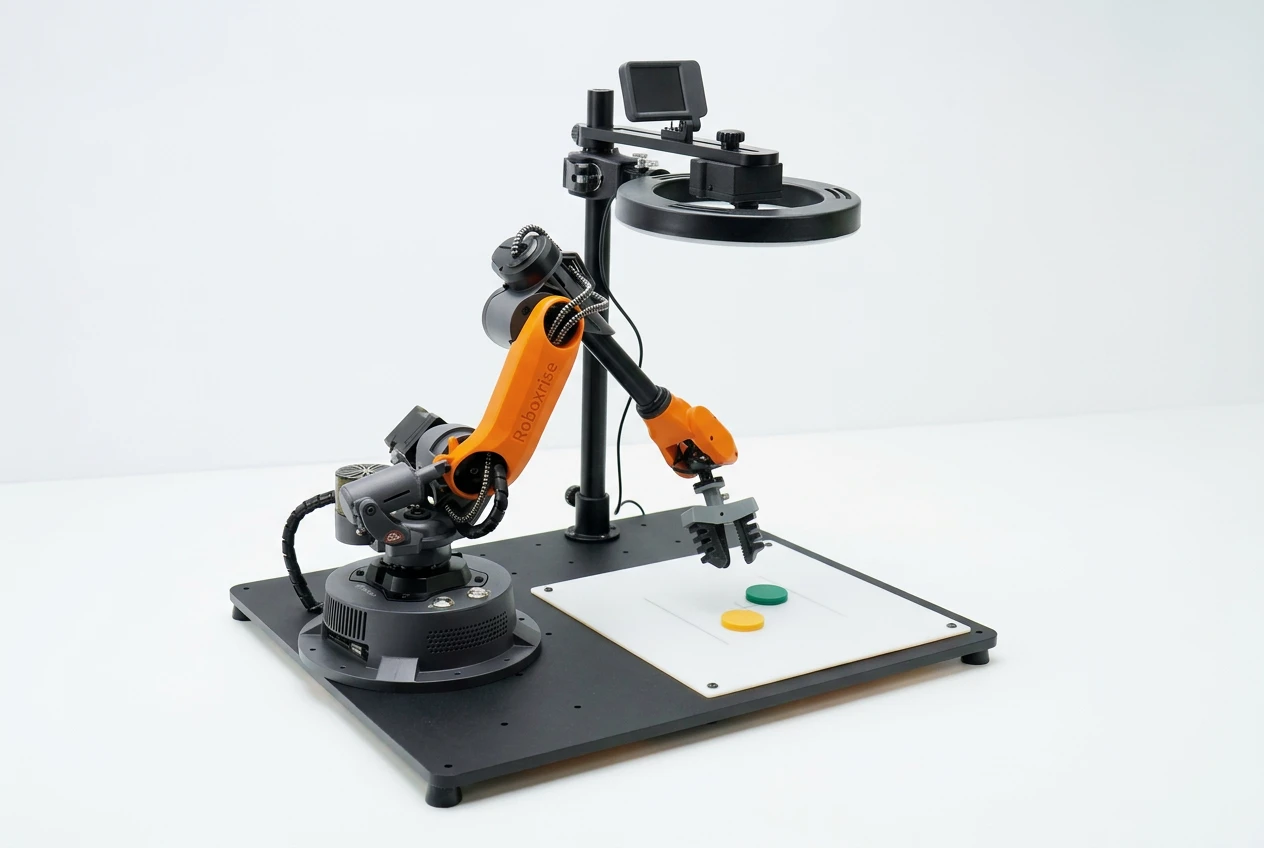
AI Vision Set
Plug-in AI camera for colour, shape and object recognition
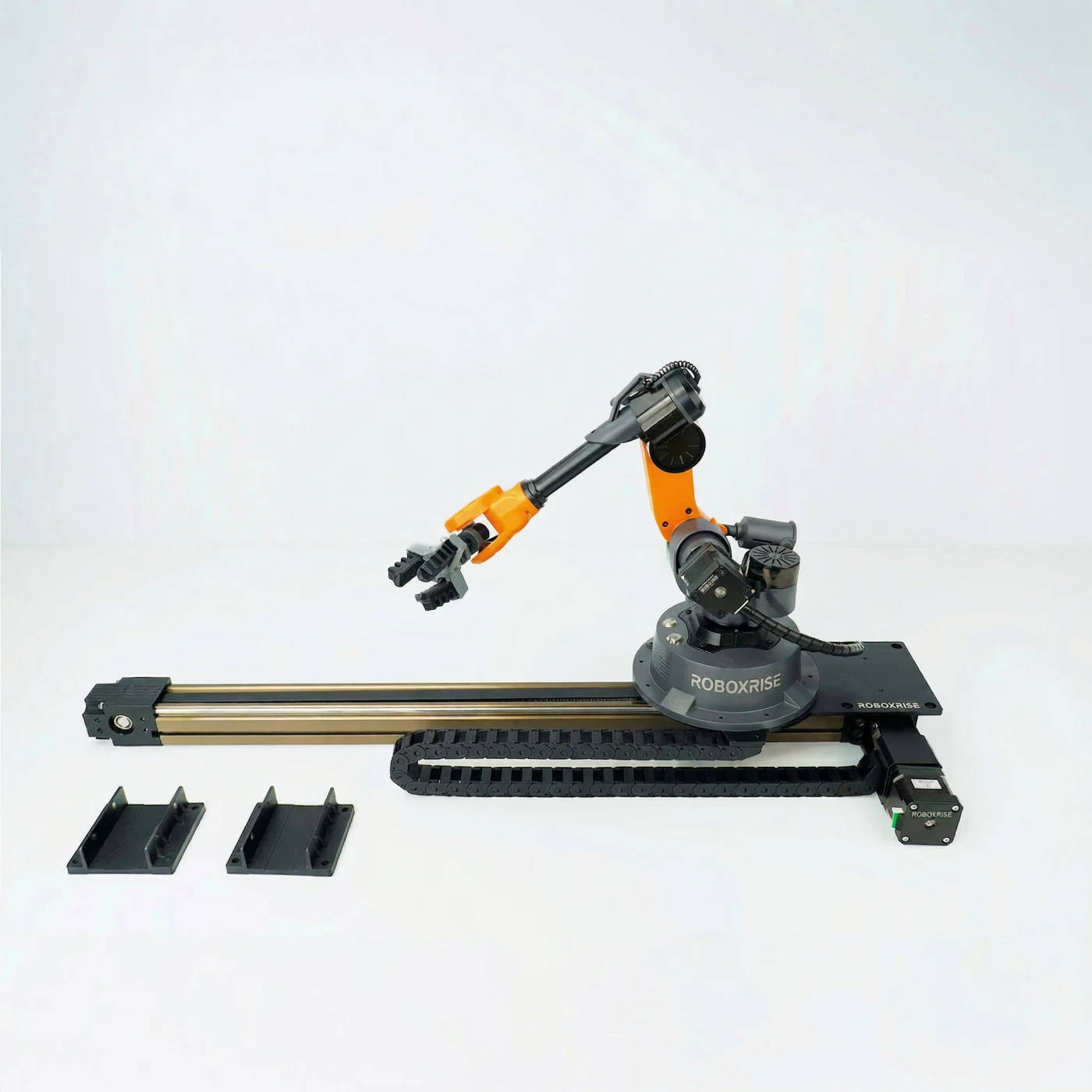
Sliding Rail Set
Linear 7th axis that extends the robot's working envelope
Phase 2: Integrated training cells
Next, add ready-to-use cells that each recreate one industrial process end to end. Students learn sequencing, multi-robot coordination, HMIs and process optimisation — the core of Industry 4.0 thinking.
- Vision-guided sorting cell (food, pharma and part sorting)
- Assembly and welding cell with linear transfer
- Logistics and warehousing cell with palletising and storage
- PLC and HMI integration on each cell
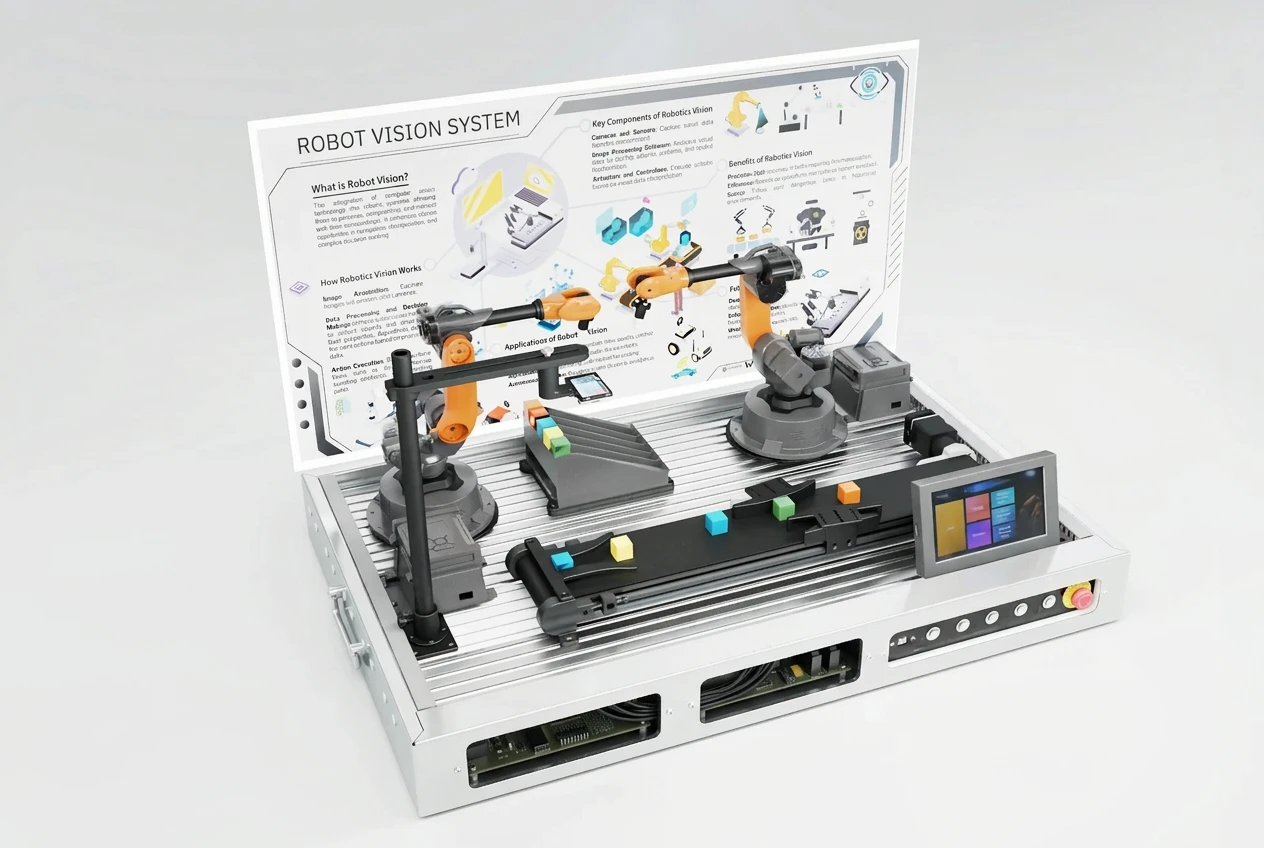
AI Automatic Sorting Cell
Vision-guided sorting on a conveyor — food, pharma and parts
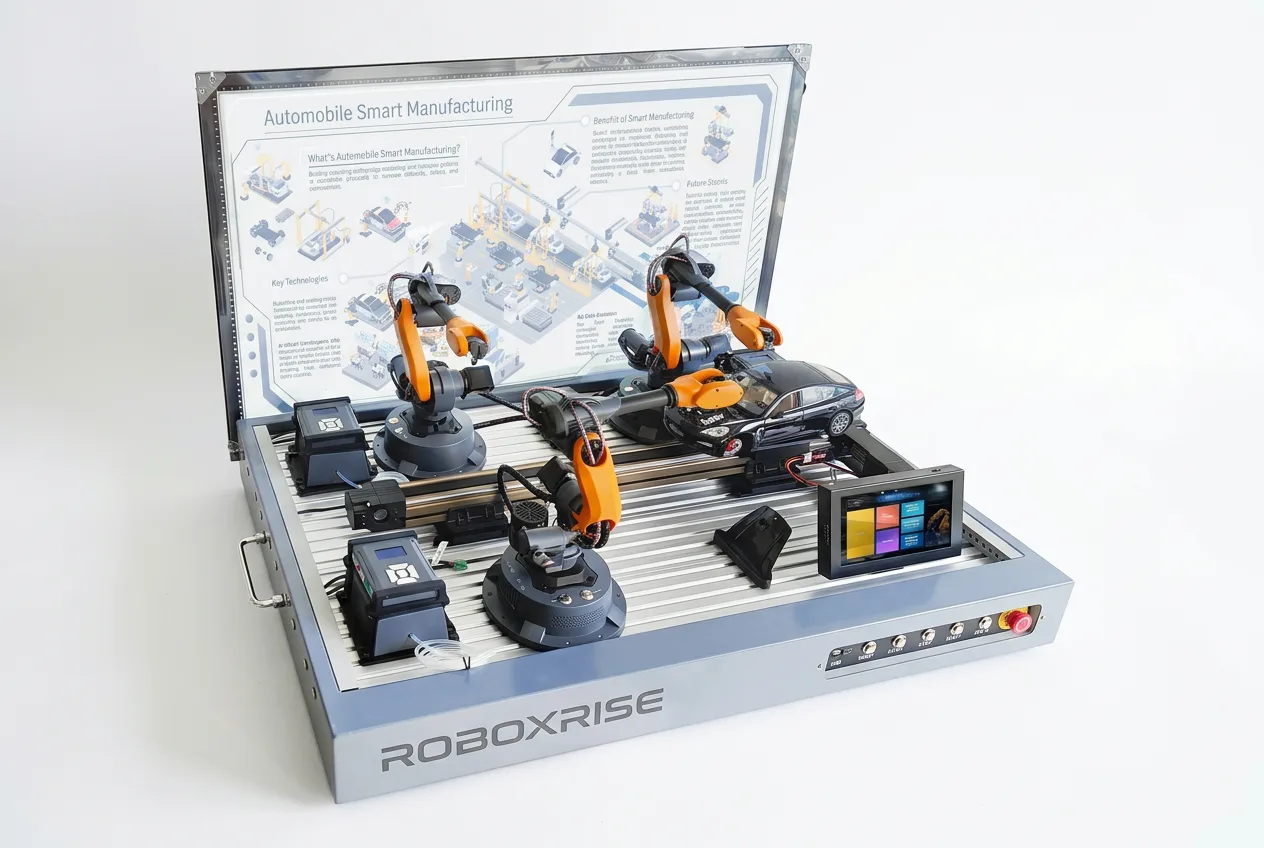
Automobile Assembly Cell
Three robots on a linear transfer — assembly and welding
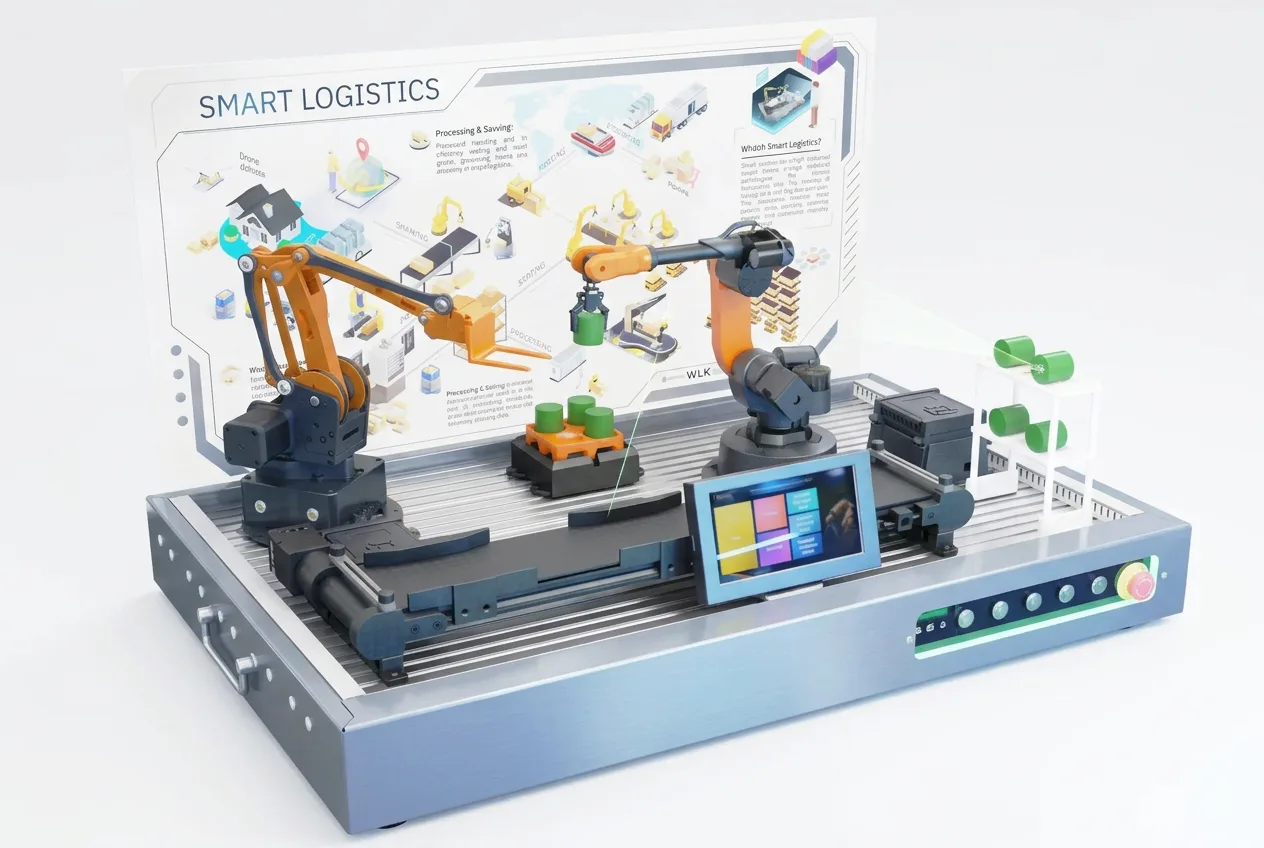
Logistic Warehouse Cell
Two-robot loading, palletising and storage workflow
Phase 3: Smart manufacturing line and digital twin
Finally, connect stations into a complete, reconfigurable line — loading, processing, inspection, packaging and warehousing — with AGVs, a control PC and digital-twin software. This becomes the flagship of a Centre of Excellence and supports PG projects, research and industry training.
- A multi-robot production line producing a real product
- AGVs for material supply and storage
- Vision inspection with defect rejection
- Central control, HMI and digital-twin simulation of the whole line
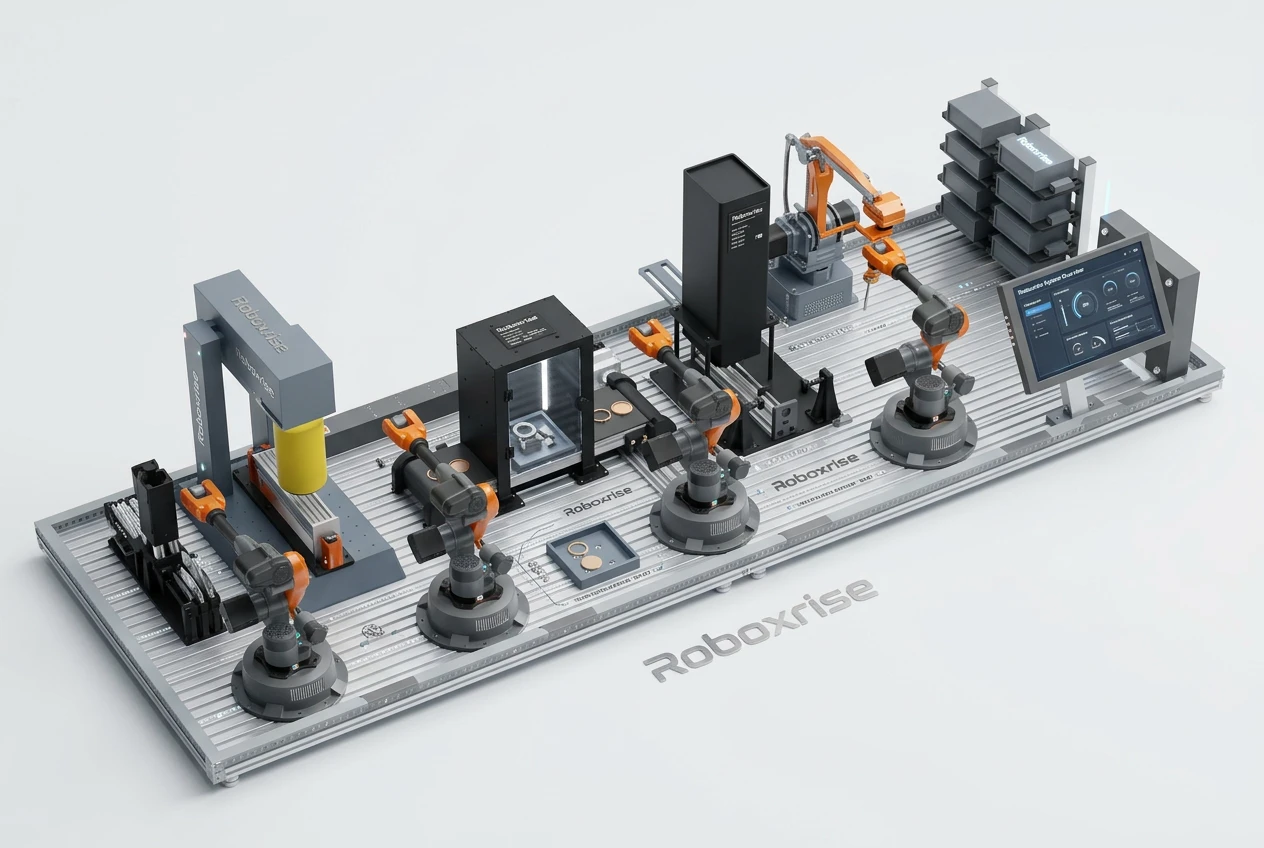
Engraved Souvenirs Manufacturing Line
Laser-engraving smart factory with vision inspection
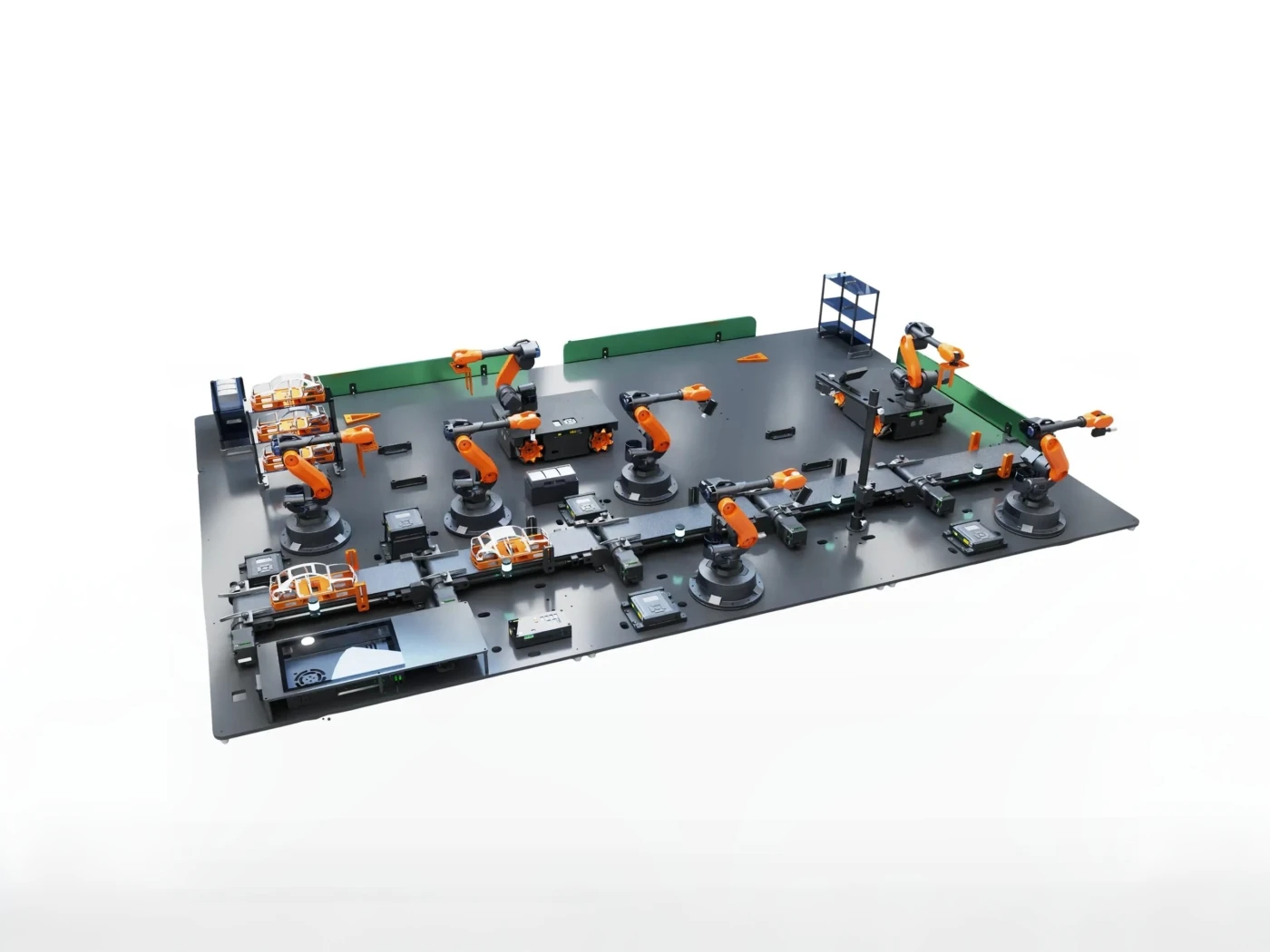
Automotive Manufacturing Line
Seven robots and two AGVs — handling to polishing
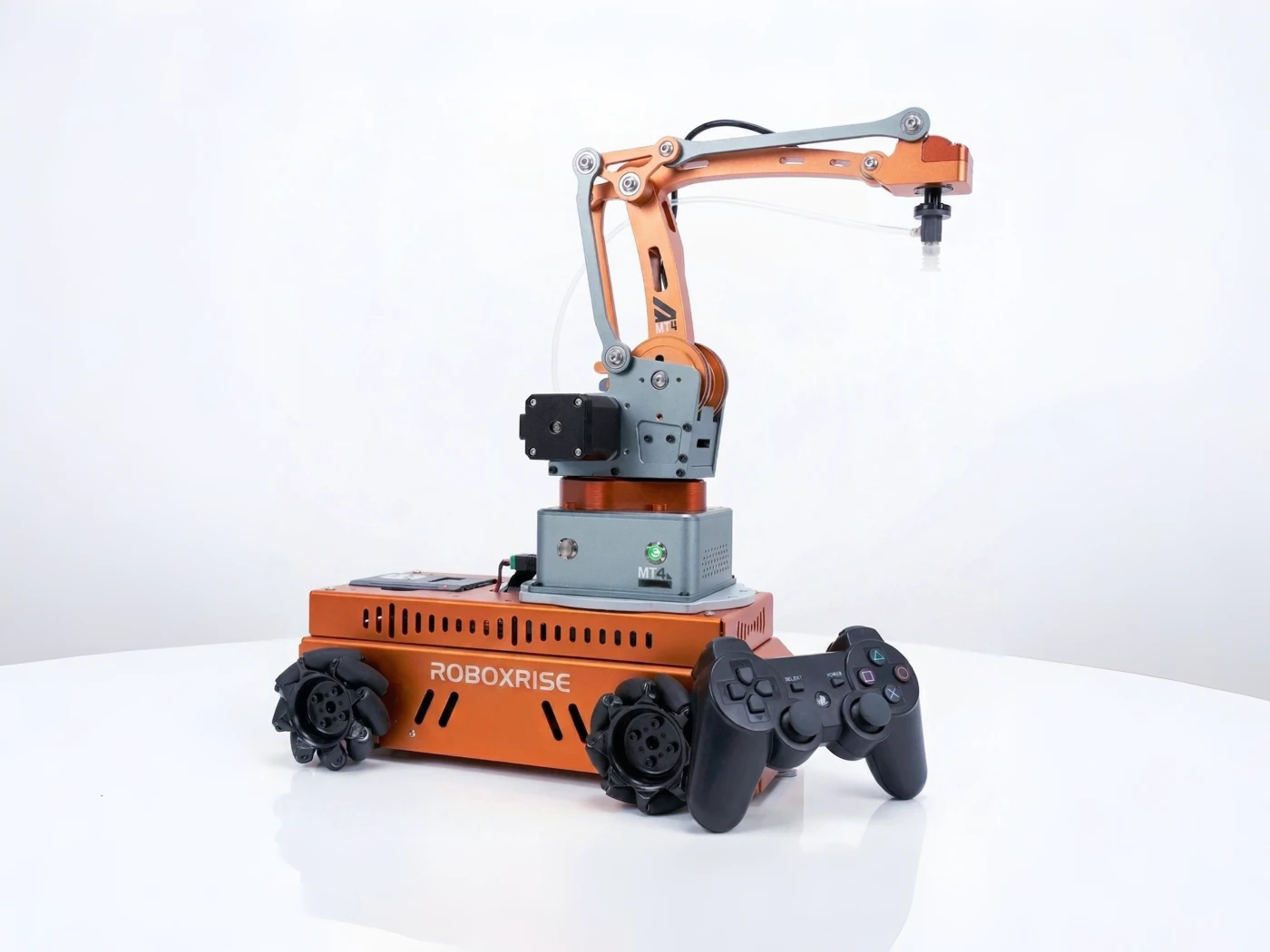
AGV Rover Set
Mobile base for combined arm-and-AGV experiments
Infrastructure checklist
- Floor space: a compact line can fit in about 1.7 × 0.6 m; a full automotive line needs about 2.4 × 1.4 m plus walking space
- Standard 230 V power with a UPS for control PCs
- Even lighting for vision stations
- LAN / Wi-Fi for software, updates and data collection
- Storage for parts, workpieces and spares
Common mistakes to avoid
- Buying a closed, fixed demonstration line students cannot reprogram
- Mixing incompatible platforms so robots, cells and software cannot be connected later
- Skipping Phase 1 — students need individual robot skills before line-level integration makes sense
- No curriculum or faculty training for the cells and line
Planning an Industry 4.0 or smart manufacturing lab? Talk to our team — we will map the phases to your budget cycle and syllabus.
Frequently asked questions
What equipment is needed for an Industry 4.0 lab?
Robots, material handling (conveyors, rails, feeders), machine vision, PLC and HMI control, sensors, mobile robots (AGVs) and software for simulation and digital twin — ideally from one compatible platform so they can be integrated.
Can an Industry 4.0 lab be built in stages?
Yes. A practical sequence is robots and basic integration first, then ready-to-use training cells, and finally a connected smart manufacturing line with AGVs and digital twin.