Most robotics labs that disappoint were planned backwards: equipment was chosen first and the syllabus was fitted around it later. This guide works the other way round — from what students should be able to do, to the robots, room and support that make it happen. It assumes a typical Indian engineering class of about 30 students, taught in lab batches.
1. Start with learning outcomes, not equipment
Write down what a student should be able to do at the end of the course. For a first robotics lab in Mechanical, Mechatronics or EEE, a realistic list is:
- Explain robot coordinate frames and jog a robot safely in joint and Cartesian modes
- Derive DH parameters and verify forward and inverse kinematics on a real arm
- Program pick-and-place and palletising by teach-and-play, block code and Python
- Integrate a robot with a conveyor, sensors and a PLC signal
- Use machine vision to locate and sort parts
- Simulate the same task in ROS or MATLAB and run it on the real robot
Each outcome later becomes one or two lab experiments — and tells you which add-ons you actually need. If vision and PLC integration are in the outcomes, budget for them now rather than as an afterthought.
2. How many robots do you need?
The single biggest factor in learning is hands-on time per student. One large industrial robot behind a fence means 29 students watch while one operates. Desktop industrial robots solve this because each costs a fraction of an industrial cell and sits on a normal bench.
| Students per robot | What happens in the lab |
|---|---|
| 1–2 | Ideal for PG and project work; usually more than a UG lab needs |
| 3–4 | Recommended for UG labs — every student operates the robot in each session |
| 5–6 | Workable for demonstrations; students start to wait and lose attention |
| 8+ | Mostly watching — outcomes are hard to assess individually |
For 30 students taught in two batches of 15, 4–5 robot stations give 3–4 students per robot. If the whole class is in the lab together, plan for 8 stations. Many colleges start with the minimum and add stations in the next budget year — so choose a platform where new robots, accessories and curriculum are compatible with the first ones.
3. Choose the right mix of stations
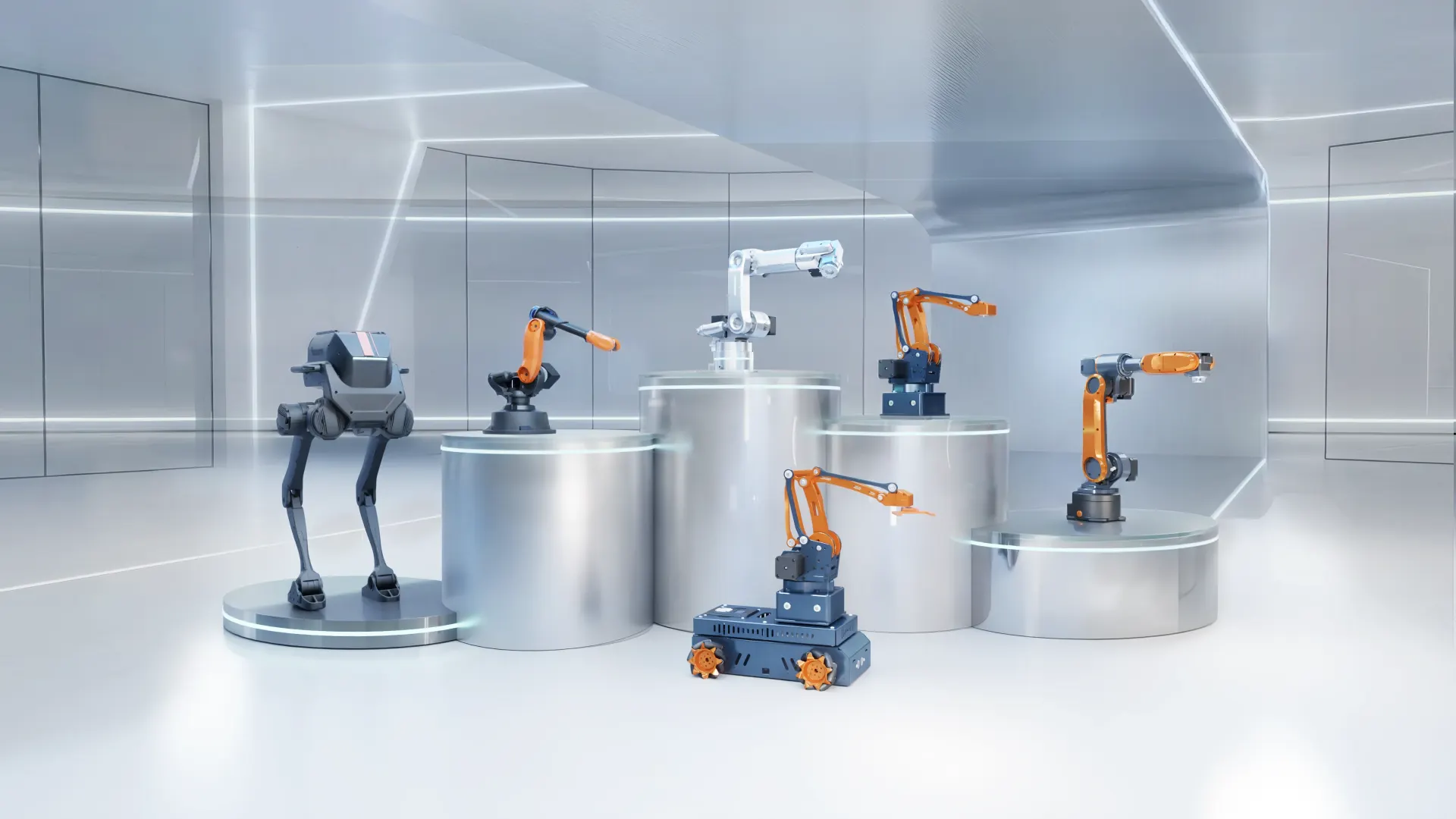
A good lab is not eight identical robots. A balanced 30-student lab usually has three kinds of station:
- Teaching stations — 6-axis or 4-axis desktop arms for kinematics, programming and material handling. These are the majority.
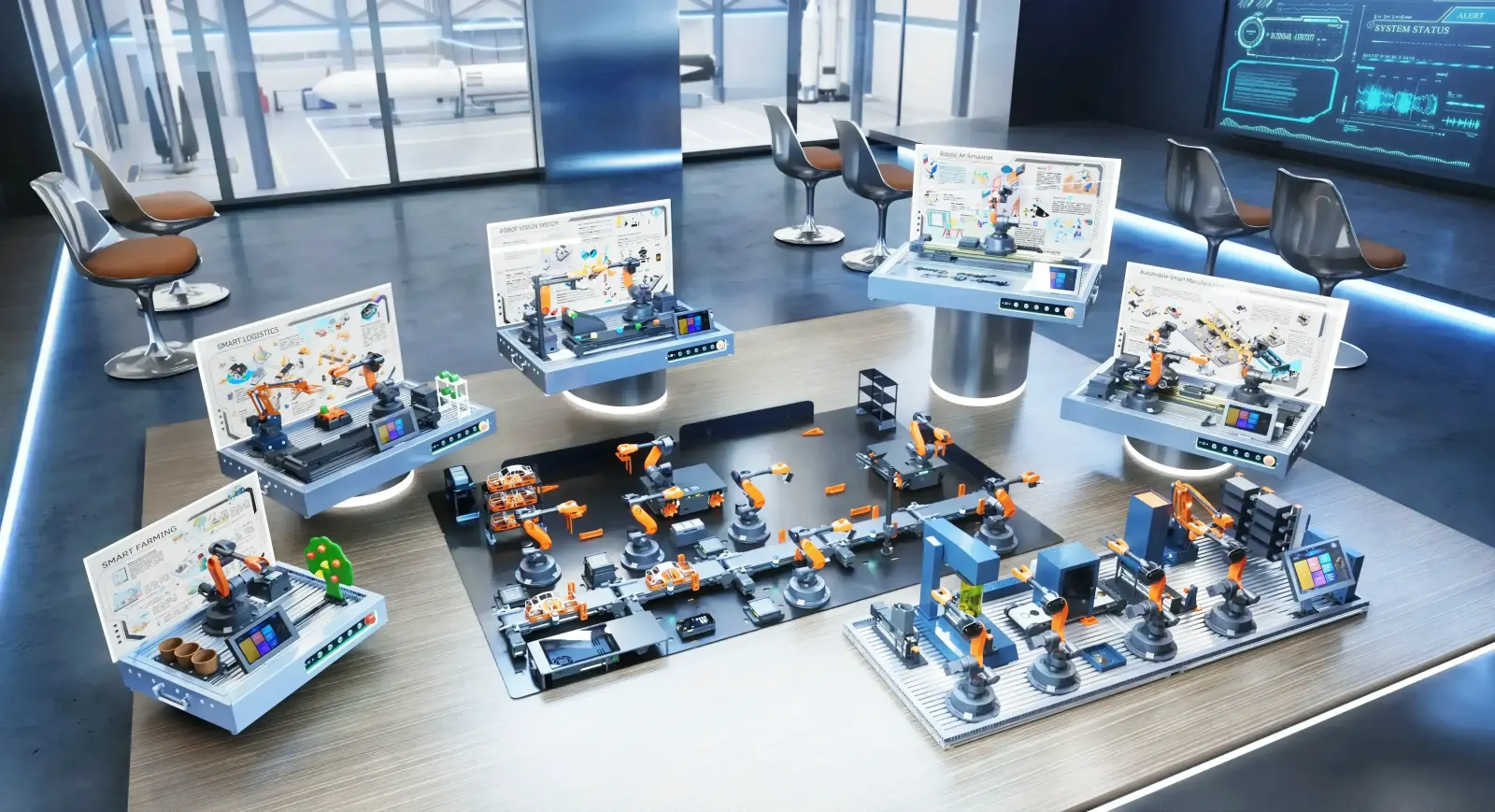
- Integration stations — one or two arms with a conveyor and AI vision, so students practise sensing and sorting.
- An advanced station — a higher-precision arm (±0.05 mm) with PLC and ROS for final-year projects and faculty research.
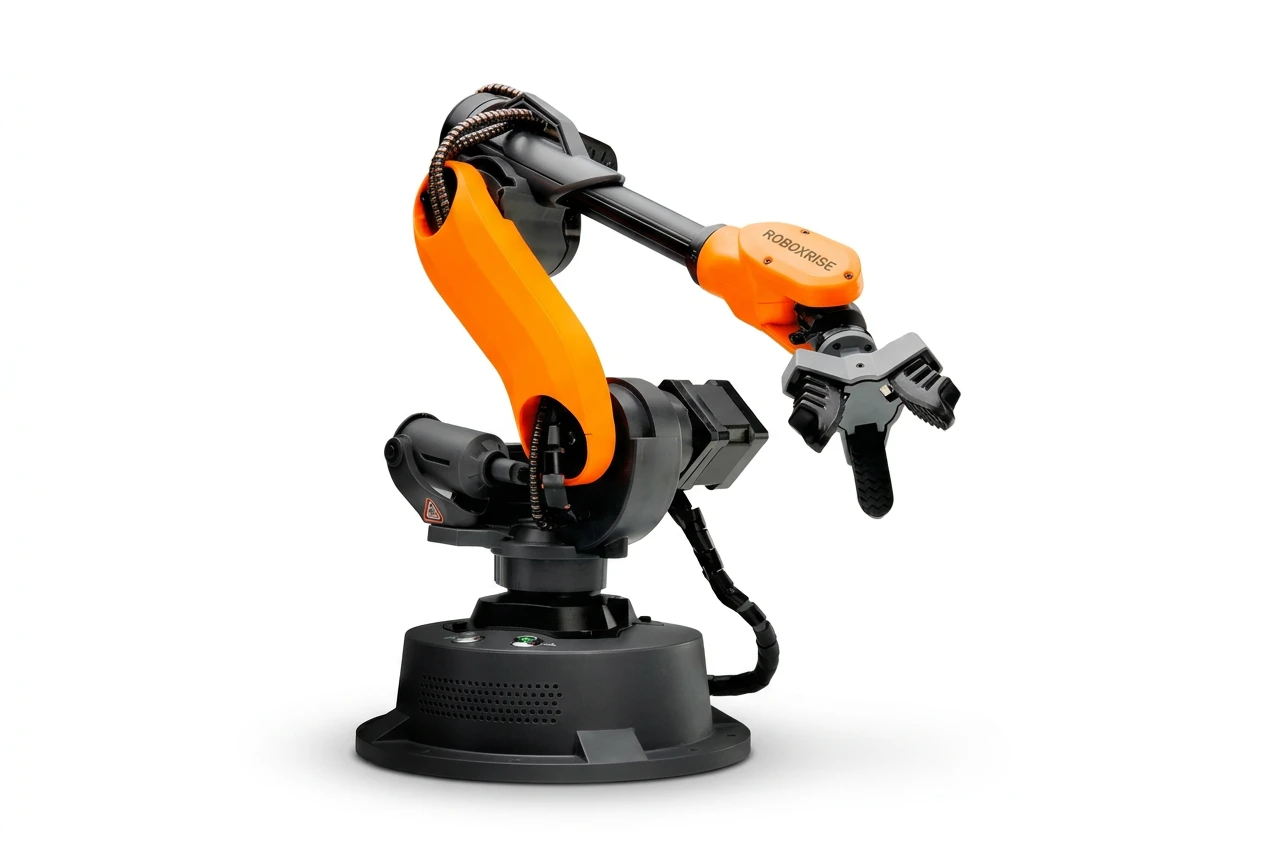
Mirobot Education Kit
6-axis desktop industrial robot — the entry point for teaching labs
MT4 Edu Kit
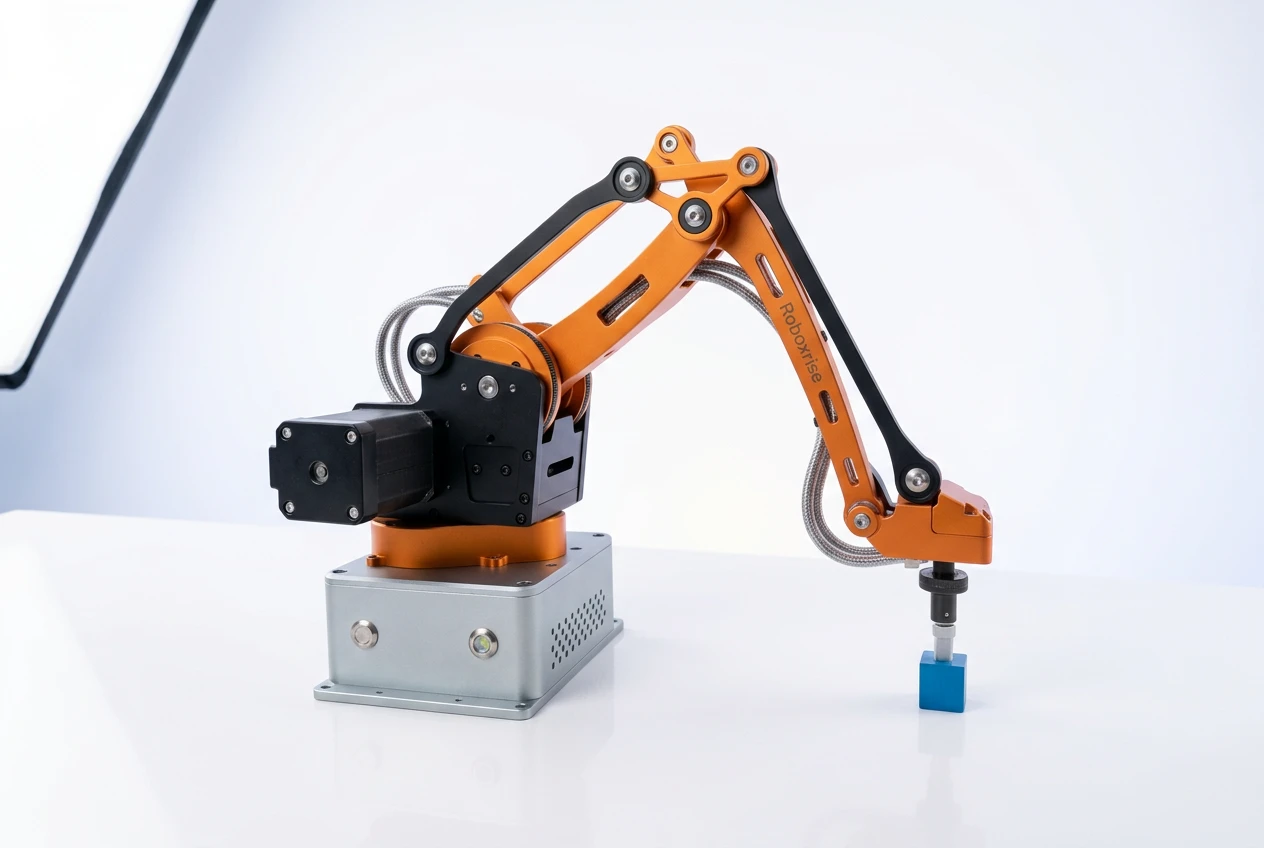
4-axis all-metal, rebuildable robot arm
AI Vision Set
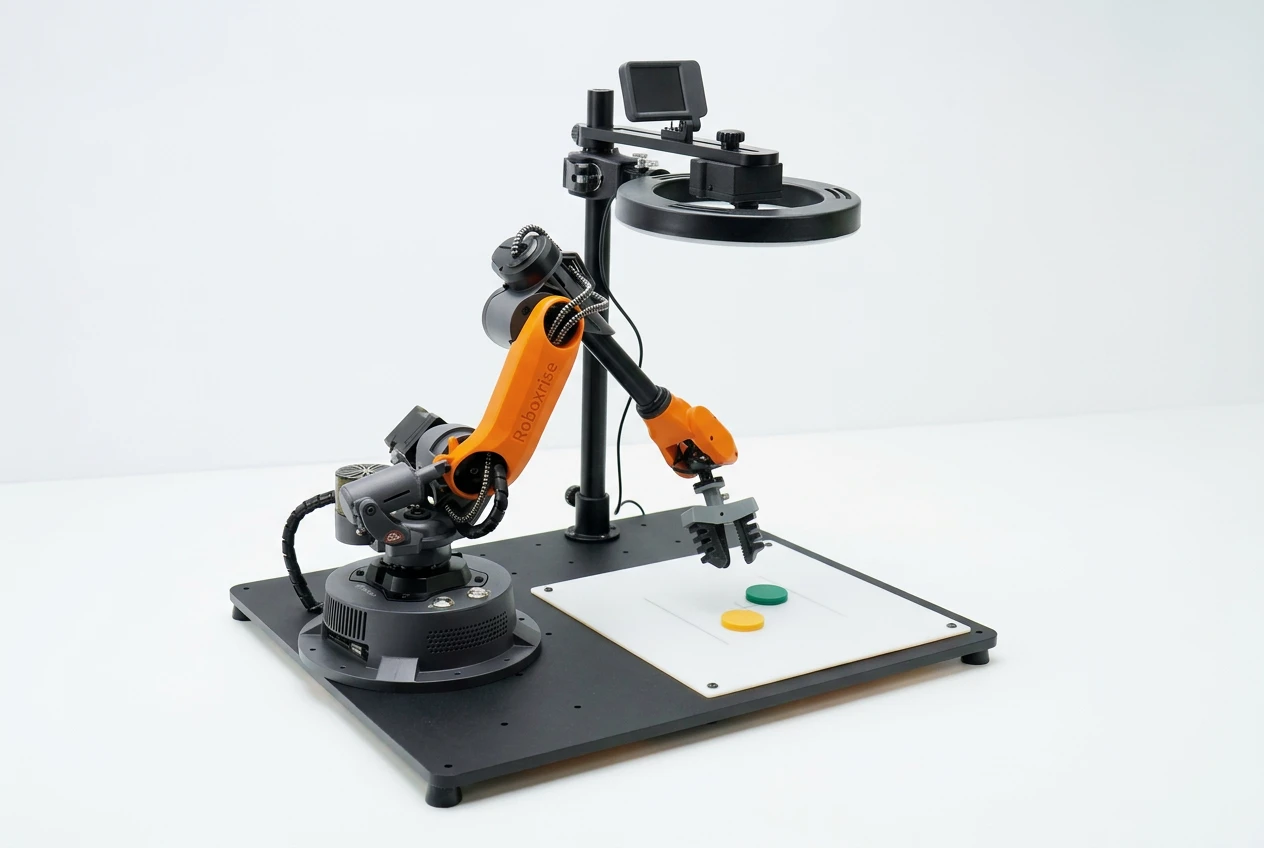
Plug-in AI camera for colour, shape and object recognition
Haro380 Core Kit
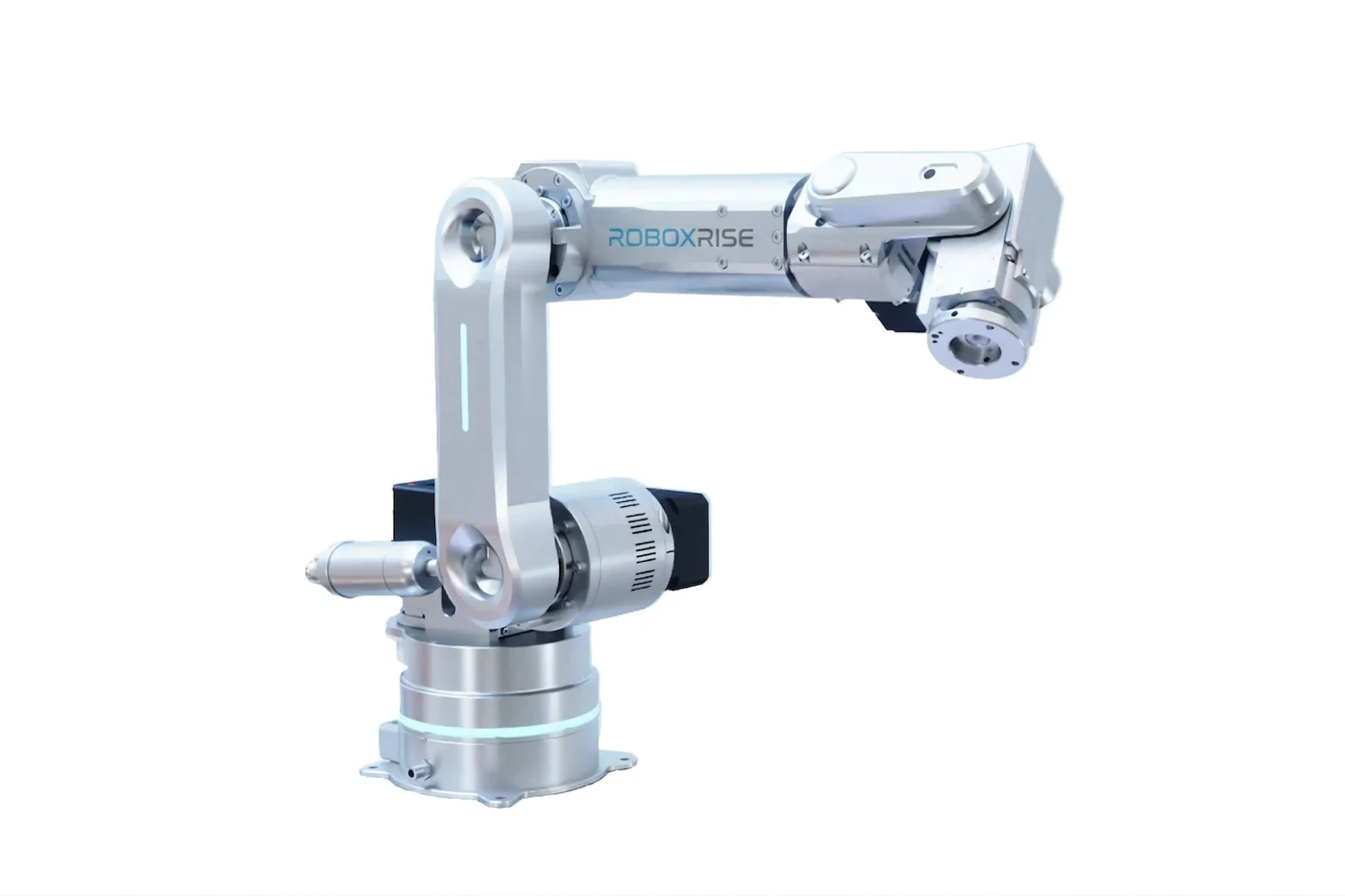
0.05 mm, 6-axis compact industrial robot
4. Space and layout
Desktop robots need far less space than industrial cells, but each station still needs room for the robot, a PC and three or four students standing around it.
- Bench per station: about 1.5 m × 0.75 m, at standing or high-stool height
- Clear walking space of about 1 m behind each bench
- An instructor bench with a projector or large display, ideally with one robot on camera
- Storage cabinets for grippers, tools and spares
- Typical room for 8 stations plus instructor area: roughly 50–60 m²
Place integration stations (conveyor + vision) along a wall with good, even lighting. Machine vision works best without direct sunlight or strong reflections on the work surface.
5. Power, PCs and network
- Two standard 230 V sockets per station (robot and PC); desktop robots do not need three-phase power
- A UPS for the PCs so a power cut does not interrupt a running program
- One PC per station — a mainstream Windows machine with 8–16 GB RAM runs the robot software comfortably
- For ROS courses, plan Ubuntu Linux on the PCs (dual-boot or a few dedicated machines)
- Wi-Fi or LAN for software updates and online textbooks
6. Curriculum and timetable
Equipment without a curriculum is the most common reason labs sit idle. Before you buy, ask for the textbook, experiment manual and source code that come with the system, and map them to your semester. A 14-week semester with one 2–3 hour lab per week typically covers 10–12 experiments plus a mini-project. See our semester curriculum plan for a worked example.
7. Faculty readiness
The lab is only as good as the faculty running it. Insist on train-the-trainer sessions at installation that cover operation, every experiment in the manual, safety and first-level troubleshooting — and a named support contact afterwards. Two trained faculty members per lab avoid a single point of failure when someone is on leave.
8. Safety
Desktop industrial robots are compact, low-payload and run from a normal socket, so they do not need the fenced cell a factory robot requires. Moving joints and grippers can still pinch, so labs should carry out a simple risk assessment for the tools in use and keep students under supervision. Students should follow industrial practice: emergency-stop location, clear workspace before running a program, reduced speed when teaching points, and no loose clothing near moving joints. Building these habits on a desktop robot is exactly what prepares students for real factory robots.
9. Procurement checklist
Use this list when comparing proposals:
- Robot specifications: axes, repeatability, payload, reach, communication ports
- Software: graphical, Python, ROS / ROS2, MATLAB and PLC support
- Curriculum: textbook, experiment manual, source code, videos — check the table of contents
- Expandability: vision, conveyor, rail and AGV add-ons that work with the same robots
- Installation and commissioning at your campus, with demonstration at handover
- Faculty training scope and duration
- Warranty period, spares availability and repair process
- Optional AMC terms after warranty
- References from other institutions
How RoboxRise can help
We design robotics labs around your syllabus, batch size, room and budget, then supply, install, commission and train your faculty — with India-based support afterwards. Book a meeting for a live demonstration, or request a proposal for your department.
Frequently asked questions
How many robots does a 30-student robotics lab need?
For lab batches of about 15 students, 4–5 desktop robot stations give 3–4 students per robot, which is enough for every student to operate the robot each session. If the full class of 30 works together, plan for about 8 stations.
How much space does a robotics lab with desktop robots need?
About 1.5 m × 0.75 m of bench per station plus walking space. Eight stations and an instructor area typically fit in a room of roughly 50–60 m².
Do desktop industrial robots need special power or a safety cell?
They run from standard 230 V sockets and do not need three-phase power or the fenced cell of a factory robot. Labs should still use them under supervision, keep the emergency stop within reach and follow a basic risk assessment.